Body Control Module Diagnostic System Check
- Connect scan tool to Data Link Connector (DLC). Turn ignition on. Attempt to establish communications with Platform Zone Module (PZM). If scan tool communicates with PZM, go to next step. If scan tool does not communicate with PZM, go to step 3
.
- Retrieve PZM DTCs. If any DTCs are set, go to appropriate diagnosis and repair procedure. See PZM DTC DEFINITIONS
table. If no DTCs are set, system is okay at this time.
- Attempt to establish communications with other modules on class 2 serial data line. If scan tool communicates with other modules along class 2 serial data line, go to next step. If scan tool does not communicate with other modules along class 2 serial data line, go to SCAN TOOL DOES NOT COMMUNICATE WITH CLASS 2 DEVICE
.
- Turn ignition off. Disconnect PZM connectors C1 and C2. See Figure
. Turn ignition on. Using DVOM, measure voltage between ground and PZM connector C1 terminals A3 (Yellow wire) and B1 (Orange wire) and connector C2 terminal C13 (Light Green wire). See Fig 1
. If voltage is 10-15 volts, go to next step. If voltage is not 10-15 volts, go to step 7
.
- Using DVOM, measure voltage between battery voltage and PZM connector C1 terminal A12 (Black wire) and connector C2 terminal D1 (Black wire). If voltage is 10-15 volts, go to next step. If voltage is not 10-15 volts, go to step 8
.
- Replace PZM. See PLATFORM ZONE MODULE (PZM)
. After replacement, go to step 9
.
- Repair open or short to ground in Yellow, Orange or Light Green wire between rear compartment fuse block and PZM. After repairs, go to step 9
.
- Repair open in Black wire between PZM and ground G400. G400 is located under left side of rear seat. After repairs, go to step 9
.
- Turn ignition off. Reconnect all disconnected components and connectors. Using DVOM, clear all DTCs. If DTCs do not reset, system is okay at this time. If DTCs reset, go to step 2
.
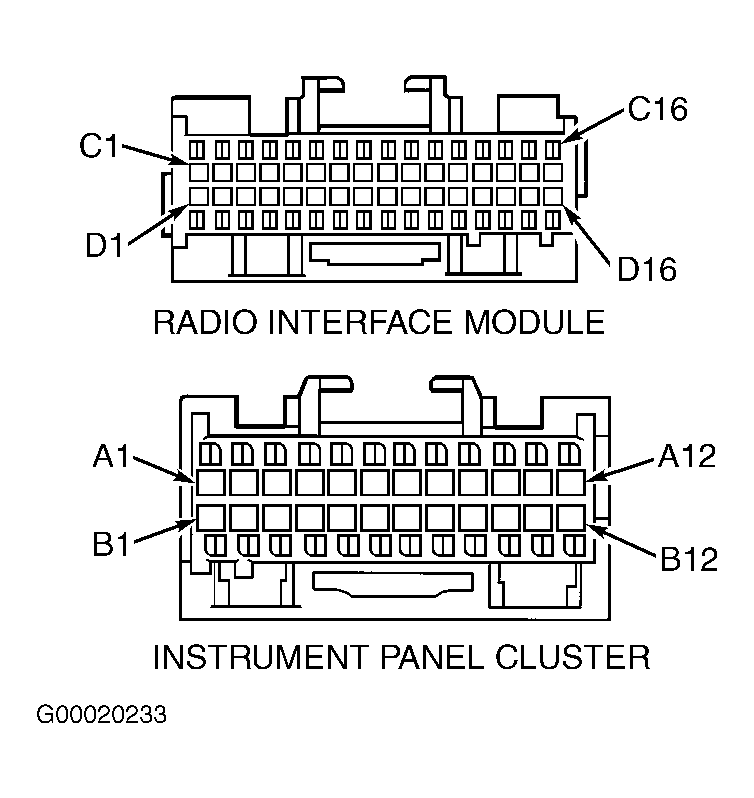 Courtesy of GENERAL MOTORS CORP.