Using Scan Tool
- With ignition off, connect scan tool and appropriate ROM pack to data link connector located under driver side of dash. See Fig 1.
- Turn ignition on. ANTI-LOCK warning light should come on as ABS goes into self-diagnostic mode. Read and record all diagnostic output DTCs from ECU memory. Refer to scan tool manufacturer's instructions for specific DTC retrieval procedure.
- After all DTCs have been retrieved and recorded, clear DTCs from ECU memory. Refer to scan tool manufacturer's instructions for specific DTC clearing instructions. See DTC DEFINITION table under DIAGNOSIS & TESTING.
- If DTCs cannot be cleared, ECU is currently detecting a malfunction. If DTCs can be cleared, problem is either intermittent or only appears while driving.
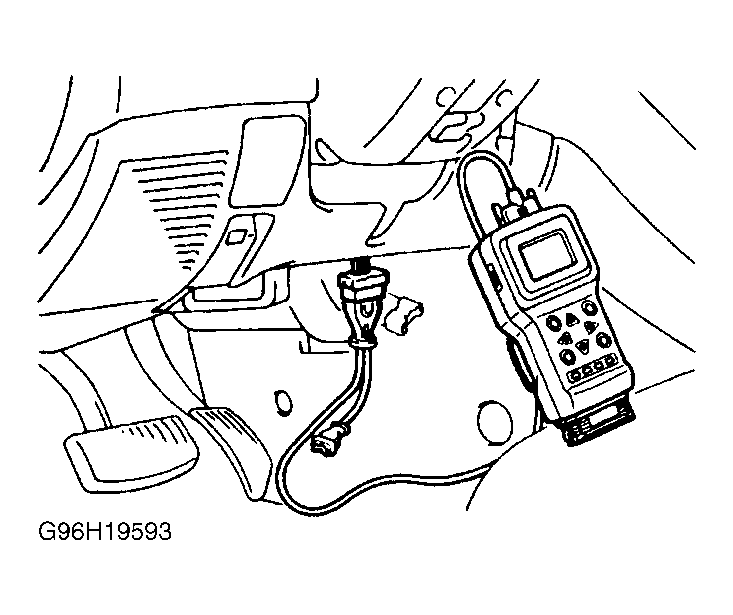 Courtesy of MITSUBISHI MOTOR SALES OF AMERICA.