Assist Power Window Switch
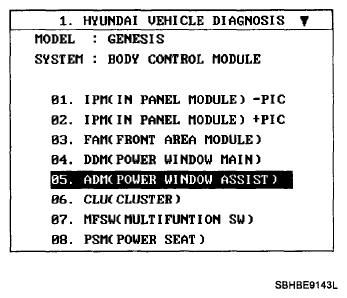
- When checking the assist power window switch, select a vehicle type and "BODY CONTROL MODULE" menu.
 Courtesy of HYUNDAI MOTOR CO.
- Select "ASSIST DOOR MODULE (ADM)".
 Courtesy of HYUNDAI MOTOR CO.
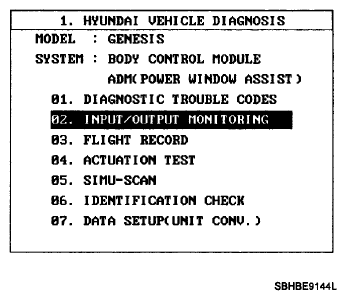
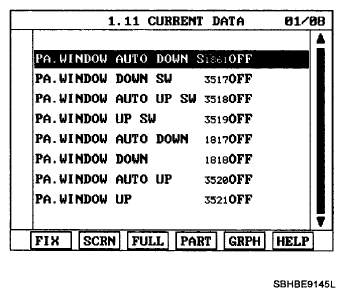
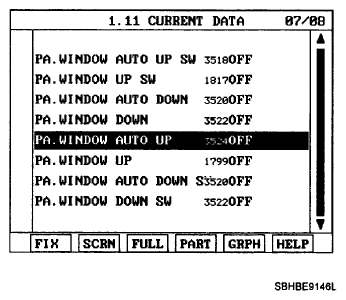
- Select option "Input/Output monitoring".
 Courtesy of HYUNDAI MOTOR CO.
 Courtesy of HYUNDAI MOTOR CO.
 Courtesy of HYUNDAI MOTOR CO.
 Courtesy of HYUNDAI MOTOR CO.
- To check the input value of power window switch in force mode, select option "ACTUATION TEST".
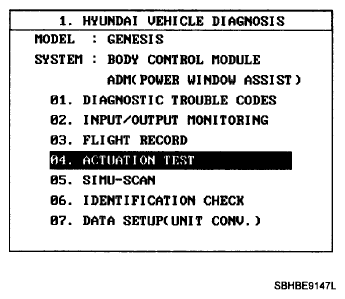 Courtesy of HYUNDAI MOTOR CO.
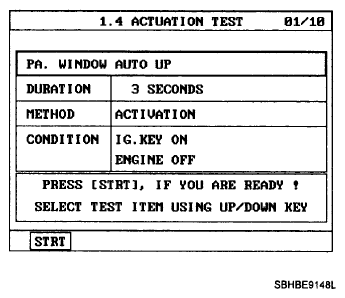 Courtesy of HYUNDAI MOTOR CO.