Serial Communication Status Check
- Connect the cable of GDS to the data link connector in driver side crash pad lower panel.
- Select the SERIAL COMMUNICATION STATUS CHECK".
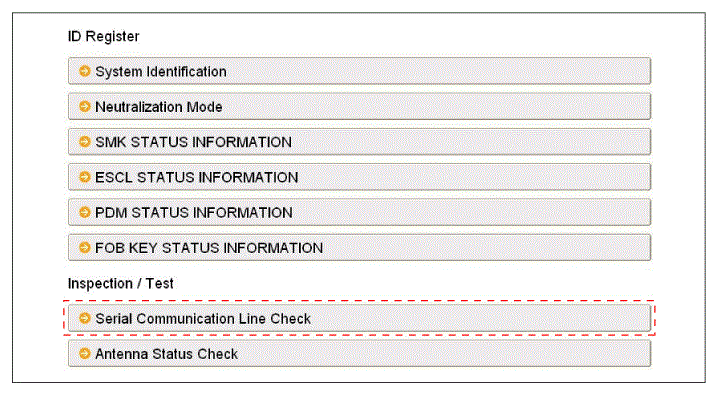 Courtesy of HYUNDAI MOTOR AMERICA
- After IG ON, select the "External serial line".
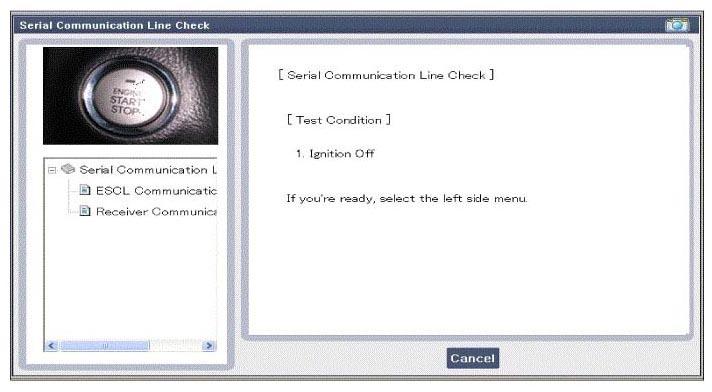 Courtesy of HYUNDAI MOTOR AMERICA
- Check the serial communication line with a scanner.
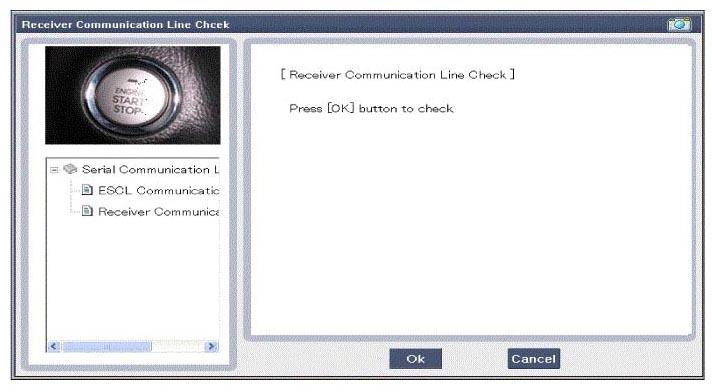 Courtesy of HYUNDAI MOTOR AMERICA
- If the smart key runs normal, the communication of IPM, exterior receiver and ESCL (Electronic Steering column Lock) are normal.
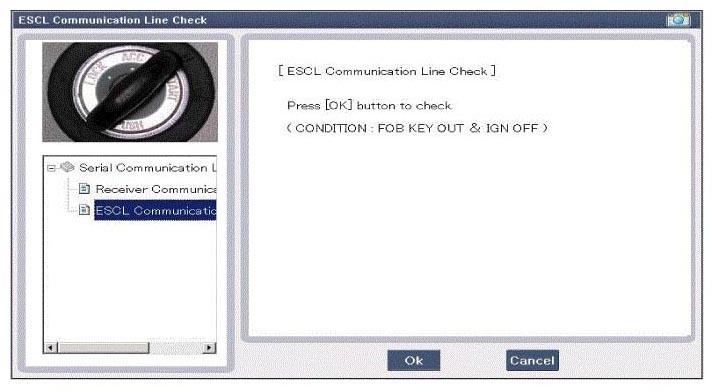 Courtesy of HYUNDAI MOTOR AMERICA
- If the smart key runs abnormal, check the following items.
- Disconnection or no response of the exterior receiver communication line.
- The exterior receiver communication line disconnection and ground connection.
- The ESCL disconnection or no response
- The ESCL disconnection and ground connection