How To Display SRT Code
- With CONSULT-II
Select "SRT STATUS" in "DTC CONFIRMATION" mode with CONSULT-II. For items whose SRT codes are set, a "CMPLT" is displayed on the CONSULT-II screen. For items whose SRT codes are not set, "INCMP" is displayed. See Fig 1
. "INCMP" means the self-diagnosis is incomplete and SRT is not set. "CMPLT" means the self-diagnosis is complete and SRT is set. If any category is incomplete, go to SETTING SRT CODES
.
- Without CONSULT-II
Select MODE 1 with scan tool, and observe SRT STATUS. An INCMP display for any SRT system indicates the self-diagnosis for that circuit is incomplete. SRT systems that have completed self-diagnosis will be indicated by CMPLT, indicating SRT is set. If any category is incomplete, go to SETTING SRT CODES
.
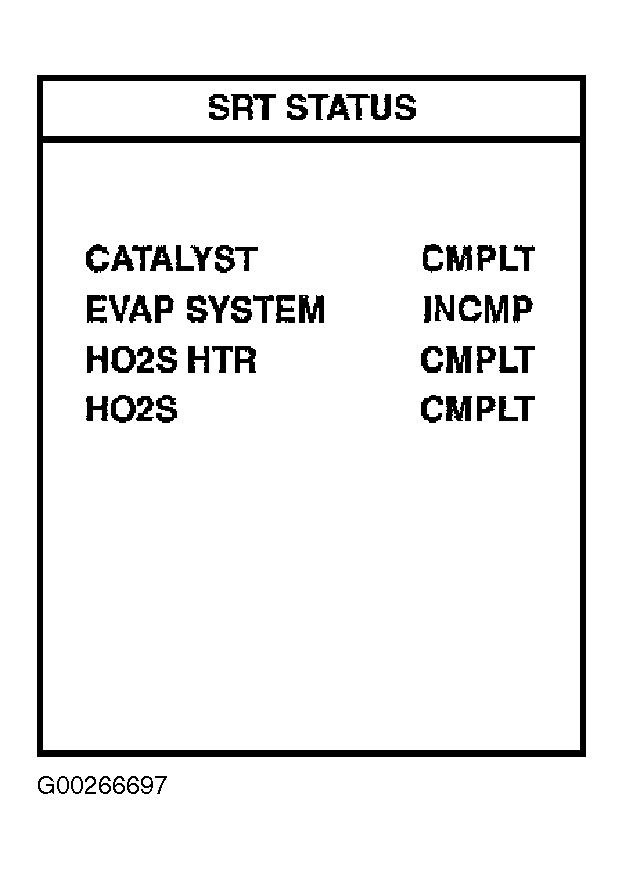 Courtesy of NISSAN MOTOR CO., U.S.A.