Using OBD-II Scan Tool
- Turn ignition off. Connect an SAE J1978 approved OBD-II scan tool to 16-pin Data Link Connector (DLC) located under left side of instrument panel. See Fig 1, Fig 2 and Fig 3
. Turn ignition and scan tool on.
- Four modes are provided for scan tool usage. Access the proper mode by following the scan tool manufacturer's operating manual. The modes of operation are:
- MODE $01:
provides current operating condition of analog and digital outputs monitored by the powertrain diagnostic system, as well as, general system information.
- MODE $02:
provides powertrain freeze frame data.
- MODE $03:
provides emission-related diagnostic trouble codes. This mode is used for retrieving DTCs.
- MODE $04:
is used to clear or reset emission-related diagnostic trouble codes.
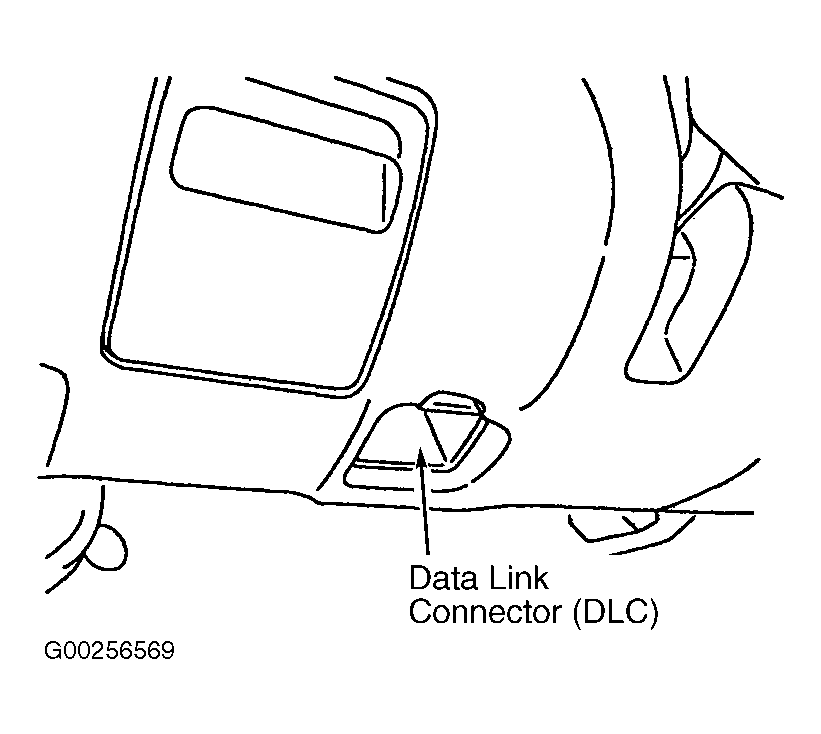 Courtesy of SUBARU OF AMERICA, INC.
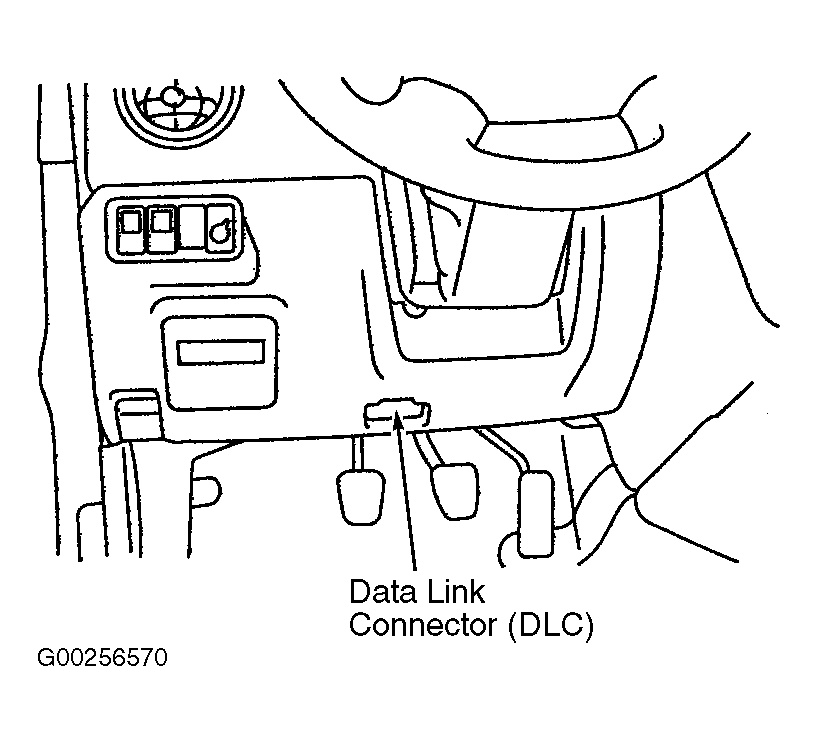 Courtesy of SUBARU OF AMERICA, INC.
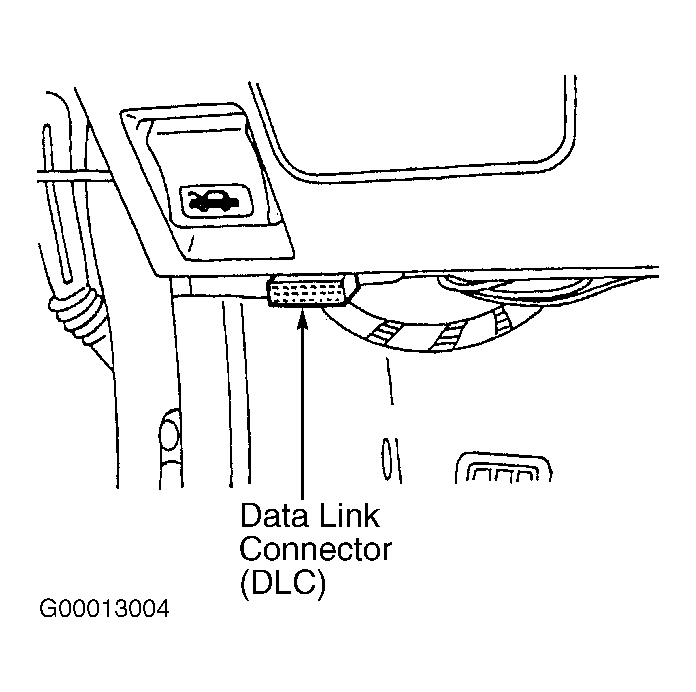 Courtesy of SUBARU OF AMERICA, INC.