Engine System Check
- Perform customer complaint analysis. For aid in asking appropriate questions, use customer problem inspection form. See Fig 1. Go to, next step.
- Turn ignition off. Connect scan tool to Data Link Connector (DLC). DLC is located below left side of instrument panel, accessible from driver's side. Using scan tool, retrieve and record any stored DTCs. See RETRIEVING DIAGNOSTIC TROUBLE CODES under SELF-DIAGNOSTIC SYSTEM. If any DTCs were stored in memory, go to next step. If no DTCs were stored in memory, go to step 4.
- Perform visual inspection of engine components. If problem is found, repair as necessary. After repair, go to step 11. If no problem is found, go to step 5.
- Perform visual inspection of engine components. If problem is found, repair as necessary. After repair, go to step 11. If no problem is found, go to step 8.
- Using scan tool or DVOM confirm trouble based on information gathered in customer complaint analysis, or DTC and freeze frame information. If symptom is identified, go to next step. If no symptom was identified, go to step 7.
- Using scan tool verify DTC is set. Also, review and record freeze frame information. If any DTCs are set, go to step 9. If no DTCs are set, go to step 8.
- Using scan tool verify DTC is set. Also, review and record freeze frame information. If any DTCs are set, go to step 9. If no DTCs are set, go to step 10.
- If no DTCs were set, repair by symptom. See TROUBLE SHOOTING - NO CODES
article. After repair, go to step 11.
- If any DTCs were set, perform appropriate test. See DIAGNOSTIC TROUBLE CODE DEFINITIONS . After repair, go to step 11.
- Check for intermittent problems. See INTERMITTENTS
in TROUBLE SHOOTING - NO CODES article. After repair, go to next step.
- Using scan tool, clear DTCs. Perform DTC confirmation test for appropriate DTC. If DTC resets, repeat engine system check beginning in step 6. If DTC does not reset, testing is complete.
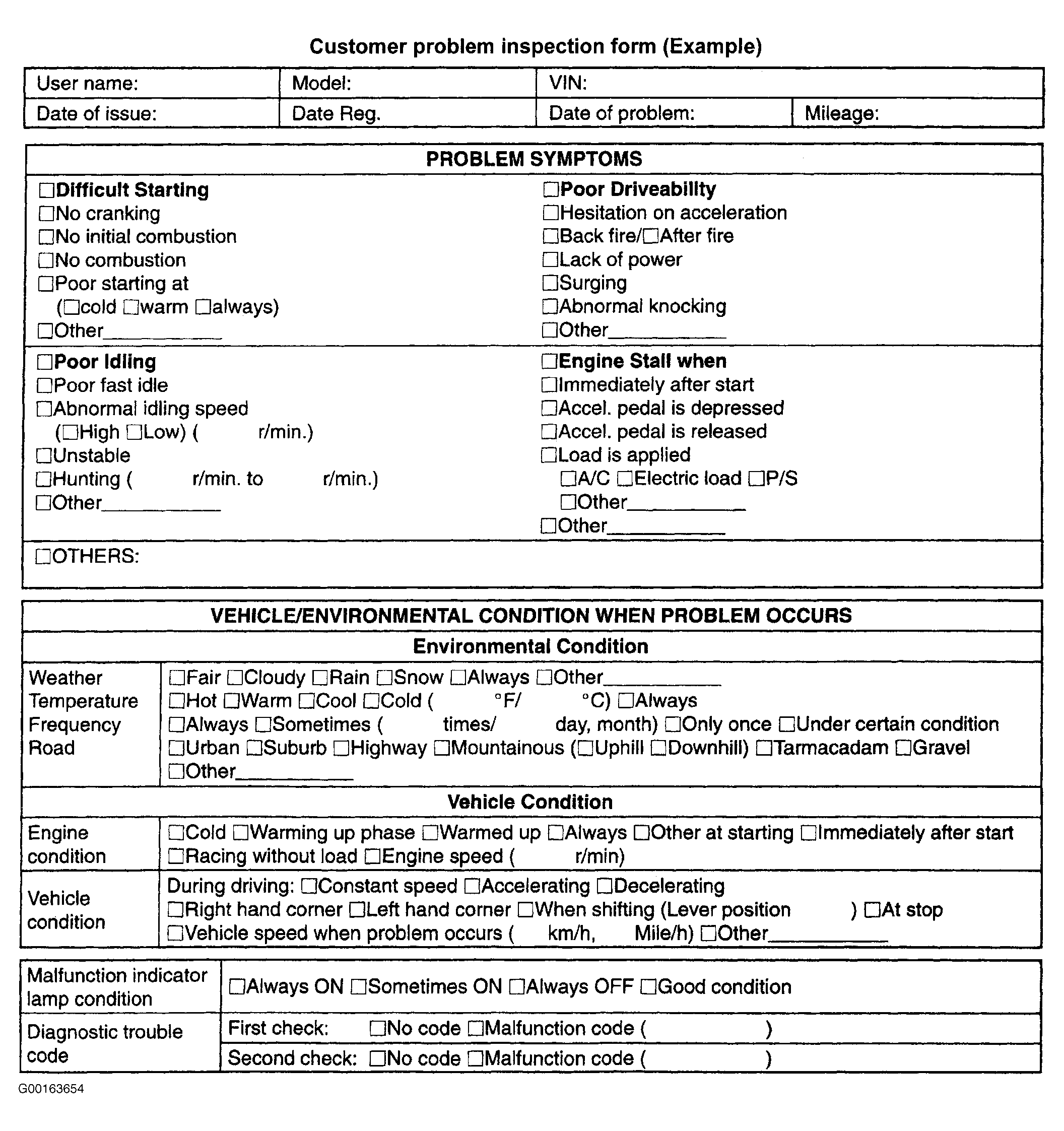 Courtesy of SUZUKI OF AMERICA CORP.