Programming and Relearning
ID Registration Procedure
ID Registration with Transmitter Activation Tool
NOTE:
This procedure must be done after replacement of a low tire pressure warning transmitter or BCM. New replacement transmitters are provided asleep and must first be woken up using Transmitter Activation Tool J-45295 before ID registration can be performed.
1) Connect SDT.
2) Select ID REGIST under BCM.
3) Push the transmitter activation tool against the tire near the front left transmitter. Press the button for 5 seconds.
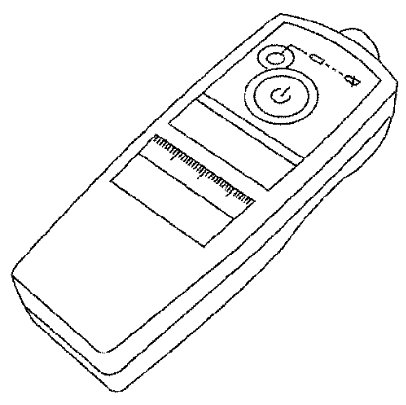

4) Register the IDs in order from FR LH, FR RH, RR RH and RR LH. When ID registration of each wheel has been completed, the hazard warning lamps flash.

5) After completing all ID registrations, press END to complete the procedure.
NOTE:
Be sure to register all of the IDs in order from FR LH, FR RH, RR RH, to RR LH, or the self-diagnostic results display will not function properly.
ID Registration without Transmitter Activation Tool
NOTE:
This procedure must be done after replacement of a low tire pressure warning transmitter or BCM. New replacement transmitters are provided asleep and must first be woken up using Transmitter Activation Tool J-45295 before ID registration can be performed.
1) Connect SDT.
2) Select ID REGIST under BCM.
3) Adjust the tire pressures to the values shown in the table and drive the vehicle at 40 km/h (25 MPH) or more for a few minutes.

4) After completing all ID registrations, press END to complete the procedure.

5) Inflate all tires to proper pressure. Refer to [Service Data and Specifications] [1][2]Specifications.