Installation (Main HVAC Control Module)
- Connect HVAC control module electrical connectors and install HVAC control module into instrument panel opening. Install HVAC control module retaining screws and tighten to specification. See TORQUE SPECIFICATIONS
.
- Install I/P accessory trim plate to instrument panel and connect electrical connectors, if equipped.
- Align the upper tabs of the I/P accessory trim plate to instrument panel and install the following sets of screws:
- Two screws to the front of the trim panel.
- Two screws to the bottom of the trim panel.
Tighten all of the screws to specification. See TORQUE SPECIFICATIONS
.
- Install console storage box, if required. Install and close ashtray or cupholder.
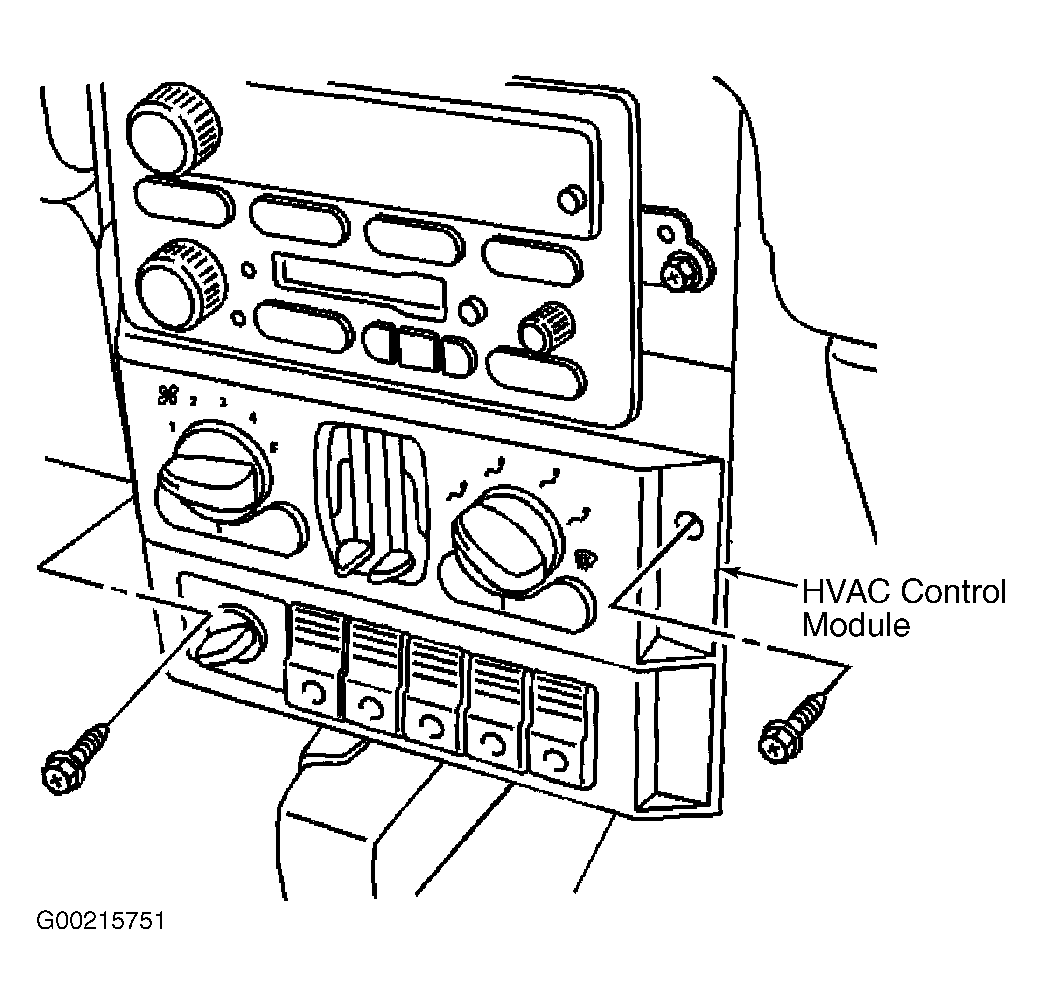 Courtesy of GENERAL MOTORS CORP.