September 30: LEMON manuals is back up on a temporary server! Slowness is possible
Removal Procedure
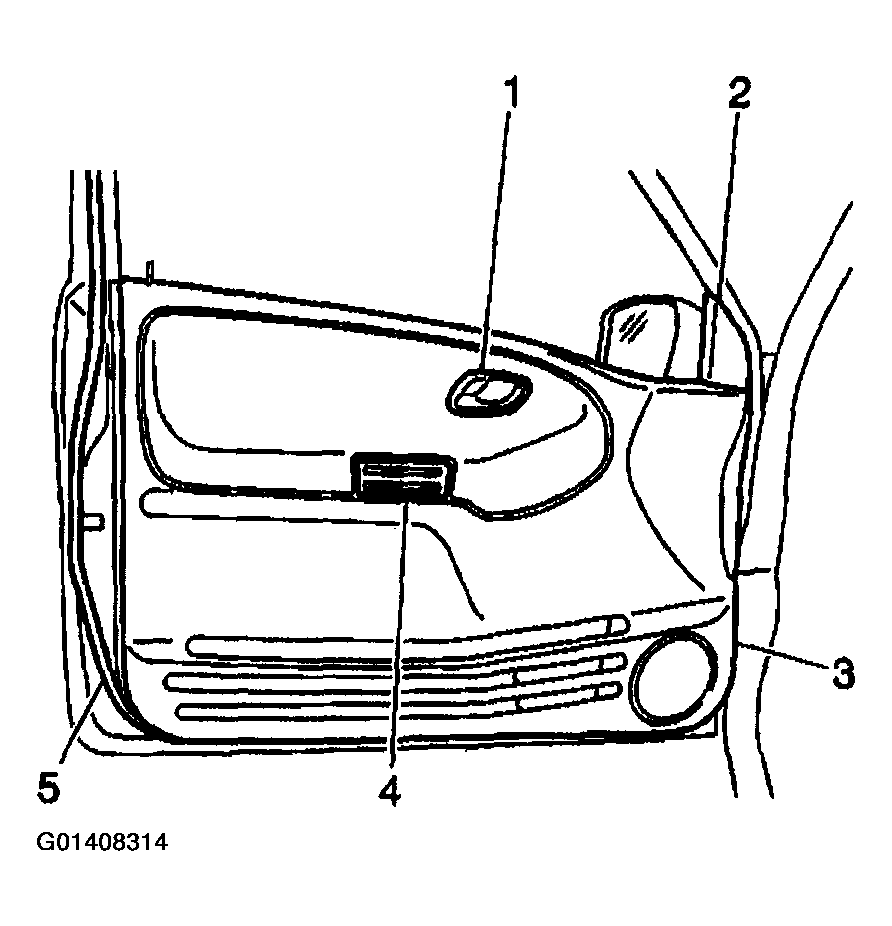
- Remove the front side door inside handle (1). Refer to DOOR HANDLE REPLACEMENT - FRONT INSIDE .
- Remove the outside rearview mirror opening cover (2).
- Remove the screw which secures the front side door pull handle (4).
 Courtesy of GENERAL MOTORS CORP.
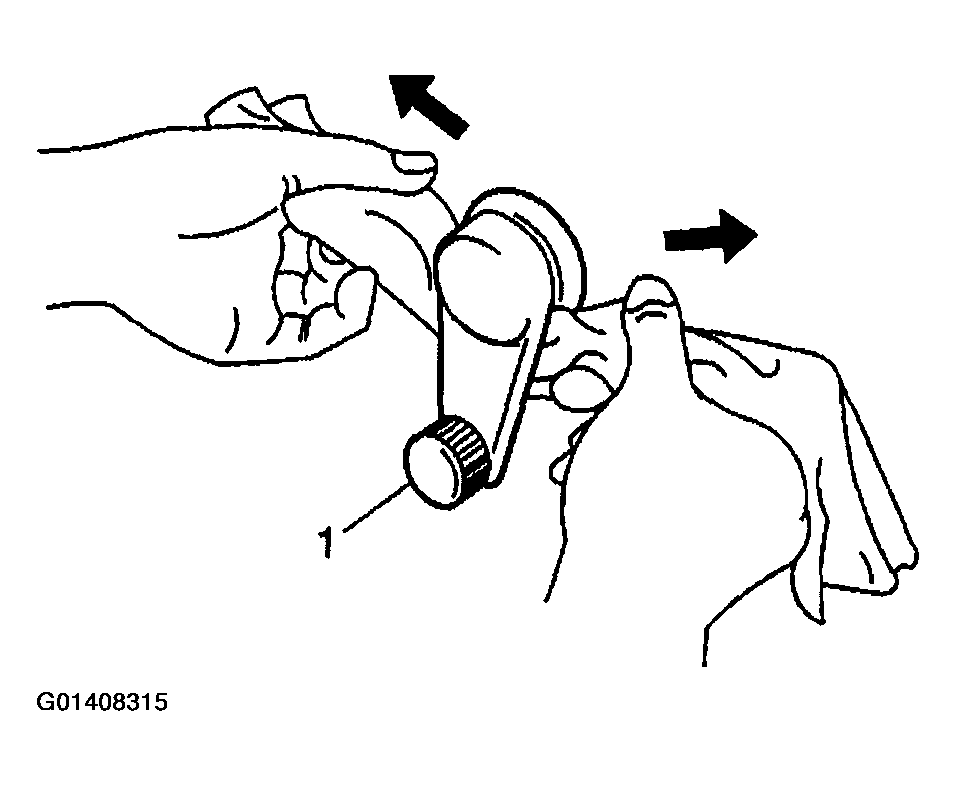
- Use a cloth in order to pull off the snap ring which secures the front side door window regulator handle (1), if equipped.
- Remove the window regulator handle (1), if equipped.
 Courtesy of GENERAL MOTORS CORP.
- Remove the front side master window switch, if equipped. Refer to POWER ACCESSORY SWITCH PANEL REPLACEMENT .
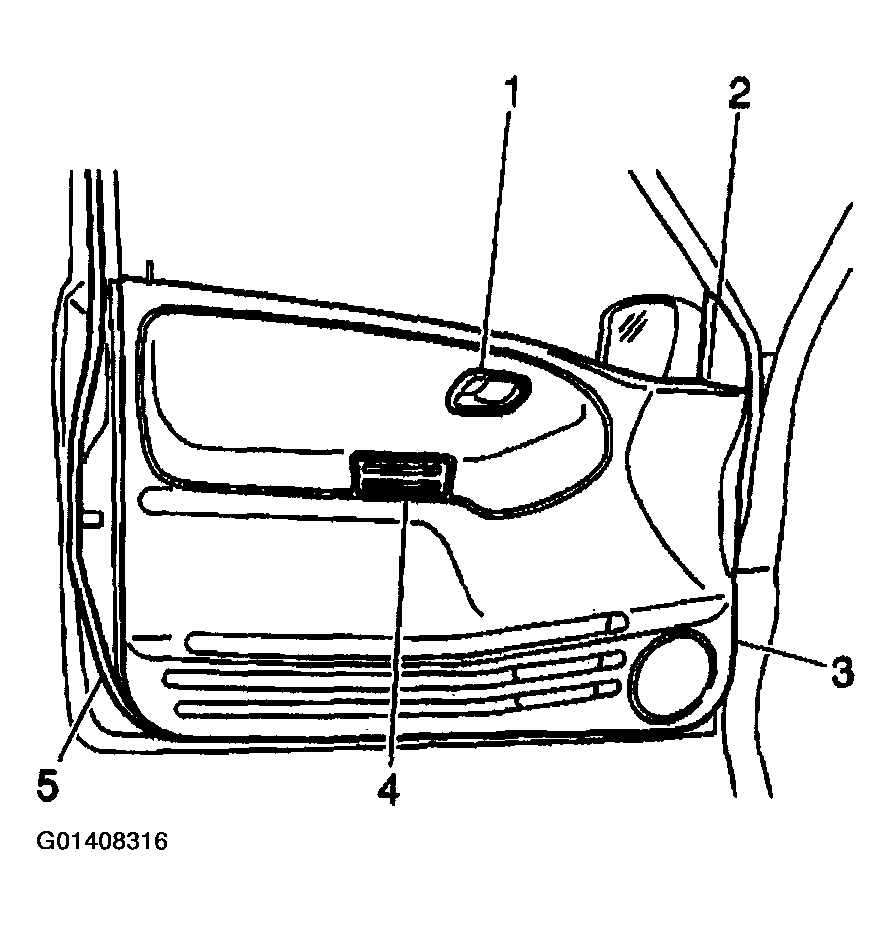
- Gently pry the front side door trim panel (3) from the front side door by disengaging the plastic retainers which secure the panel.
- Position the door trim panel (3) away from the door in order to gain access to the front side window switch electrical connector, if equipped.
- Disconnect the window switch electrical connector, if equipped.
- Remove the door trim panel (3) from the vehicle.
- Remove the front side window switch from the door trim panel (3) by releasing the 4 plastic retaining tabs, as needed.
 Courtesy of GENERAL MOTORS CORP.