Canada - Engine Controls - MIL ON/DTC P0139 Set
GROUPENGINE ELECTRICAL
NO.
02-36-015
DATE
SEPTEMBER 13/02
MODEL
SANTA FE 2.4L
SUBJECT
2002 SANTA FE 2.4L ECM REPROGRAMMING
INSTRUCTIONS FOR DTC P0139 (F/FIX)
Some 2.4L Santa Fe vehicles may turn on the "Check Engine" light and have the Diagnostic Trouble Code (DTC) P0139 stored in the ECM.
DTC P0139: 02 Sensor Circuit Slow Response (Bank 1, Sensor2)
This DTC can be falsely set when determining the rear 02 sensor rationality check under certain driving conditions.
If the DTC is falsely set, replace the ECM software with the new logic using the Hi-Scan Pro and the reprogramming instructions outlined below.

ECM SPECIFICATIONS:
CAUTIONS BEFORE REPROGRAMMING:
1. Conduct reprogramming with the ignition key in the ON position.
2. Assure that no cables connected to the vehicle or to the Hi-Scan Pro are disconnected during the reprogramming.
WARNING:
If reprogramming is interrupted, the manual update procedure must be followed as outlined in this TSB.
3. Do not start the engine during reprogramming.
4. Do not turn the ignition key off during reprogramming.
5. When the reprogramming is completed, turn the ignition key off for 20 seconds before starting the engine.
SERVICE PROCEDURE:
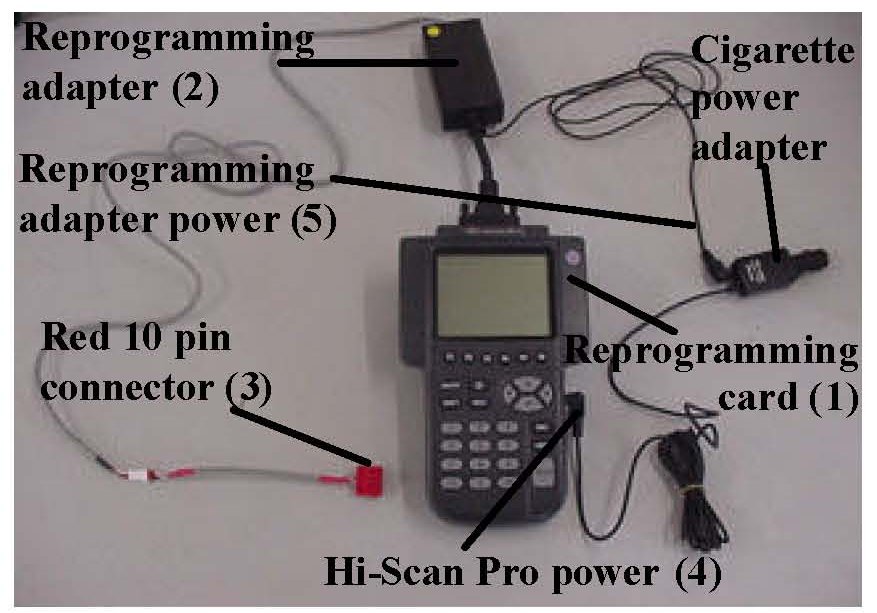
AUTOMATIC UPDATE PROCEDURE:
1. Remove any software cards from the Hi-Scan Pro and insert the 32MB (red) reprogramming card into the top slot.
2. Connect the reprogramming adapter to the Hi-Scan Pro.
3. Connect the red 10-pin connector to the reprogramming adapter.
4. Connect power to the Hi-Scan Pro from the cigarette lighter power adapter.
5. Insert the power cable from the reprogramming adapter into the cigarette lighter power adapter.
6. Connect the cigarette lighter power adapter into the cigarette lighter power socket.
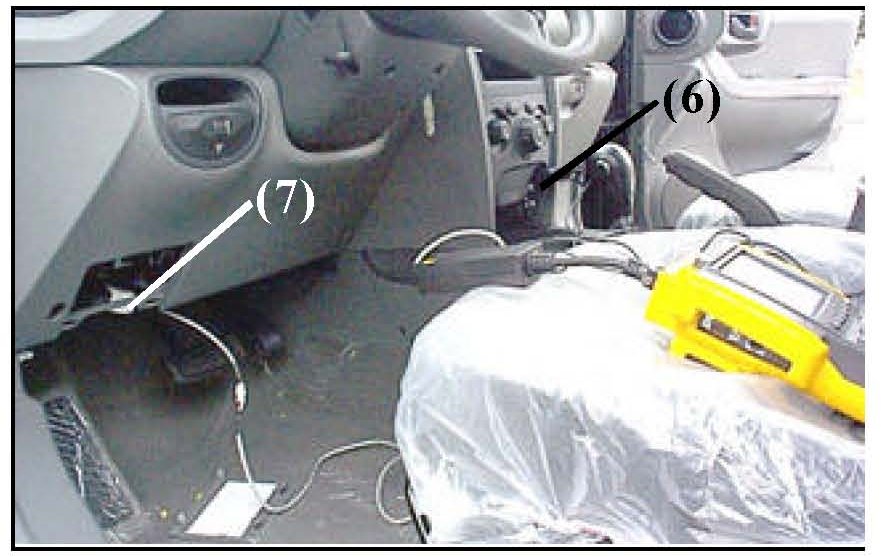
7. Connect the red 10 pin connector from the reprogramming adapter into the white connector below the Data Link Connector (DLC) located above the driver's left foot.
8. Turn the ignition key to the ON position.
9. Turn the Hi-Scan Pro ON and press ENTER.
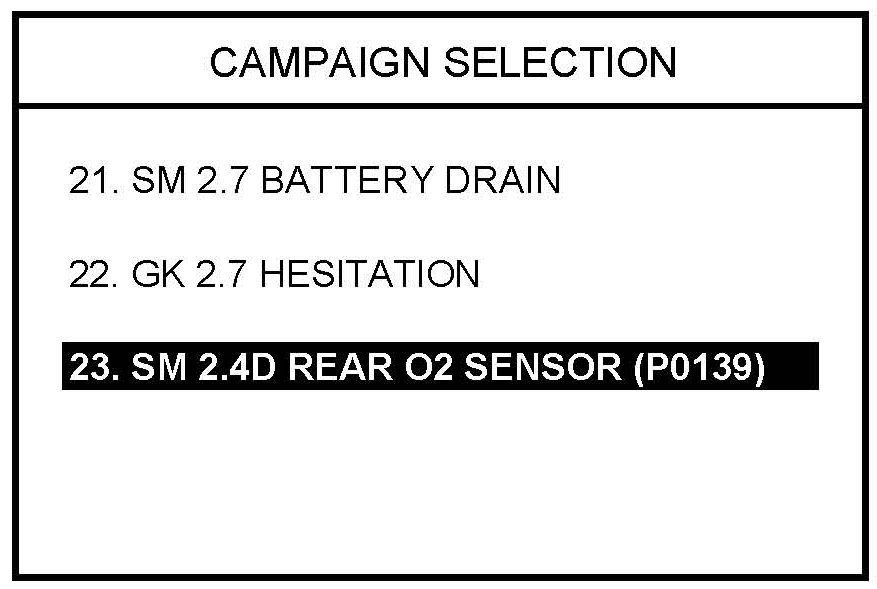
10. Select option "23. SM 2.4D REAR O2 SENSOR(P0139)" and press ENTER.
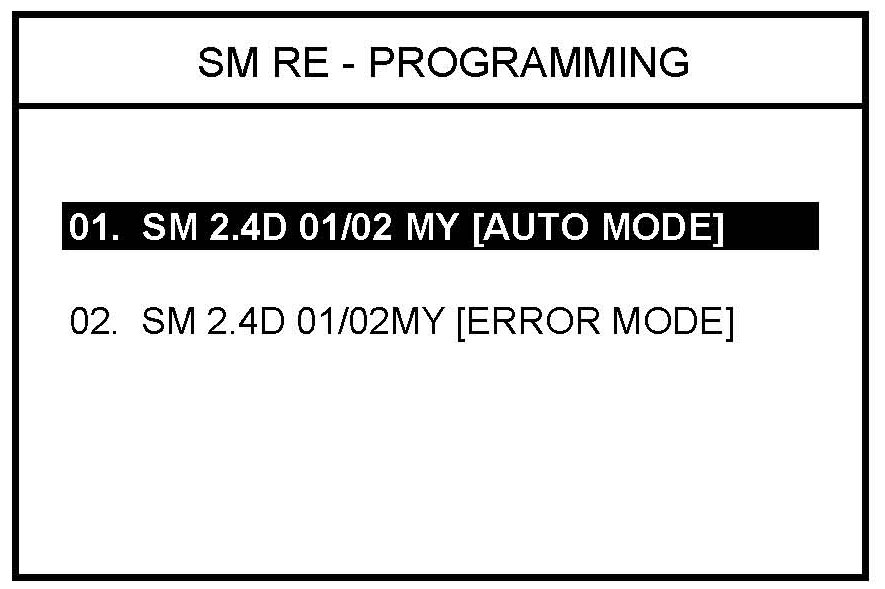
11. Select option "01. SM 2.4D 01/02MY [AUTO MODE]" and press ENTER.
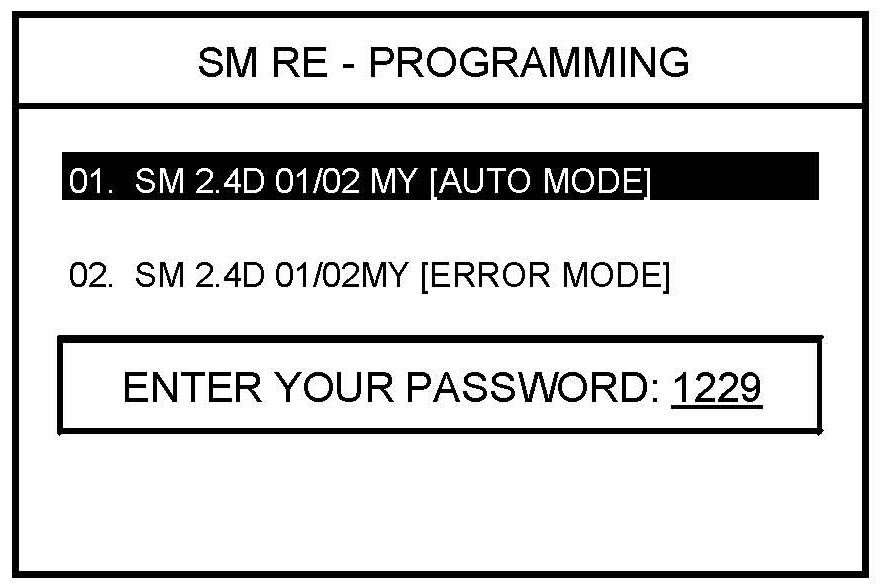
12. Enter "1229" as the password and press ENTER.
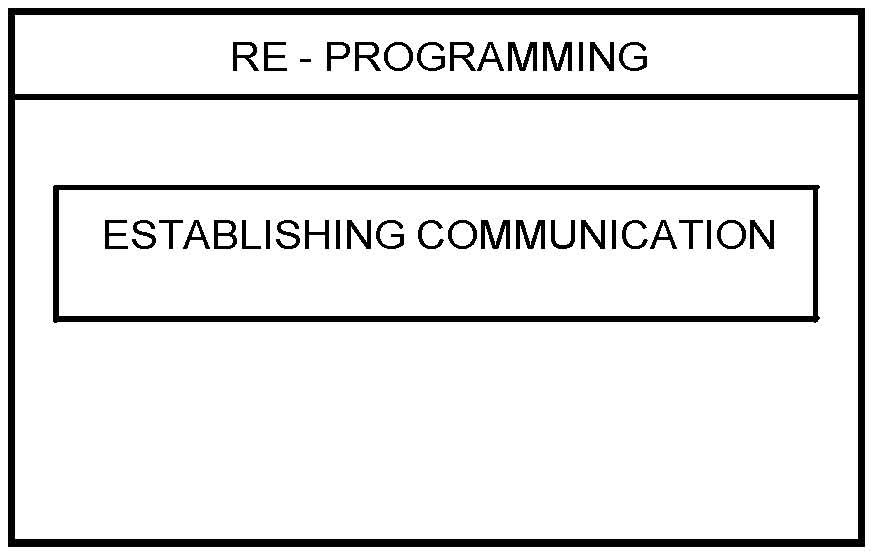
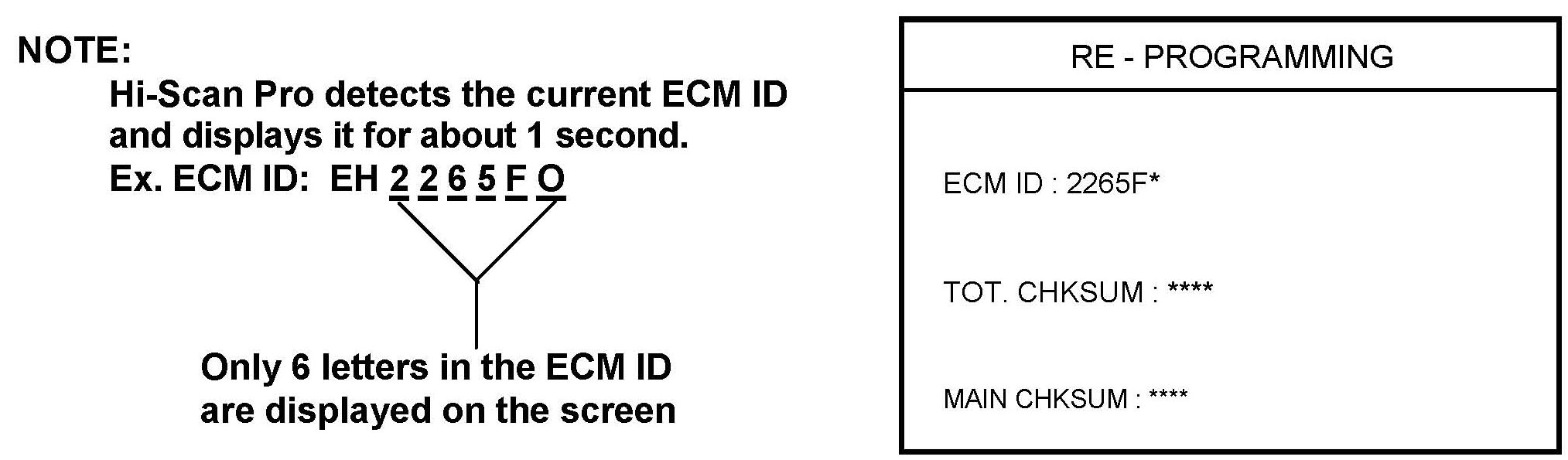
13. Hi-Scan Pro will establish communication and check the ECM ID. Hi-Scan Pro will reprogram the ECM automatically.
14. The boot program will download first then the main program and the interrupt vector program.
NOTES:
^ The current ECM ID will be replaced by the new ECM ID.
^ Write down the old and new ECM IDs when displayed on the Hi-Scan Pro screen during the automatic update procedure. They will be needed if the Hi-Scan Pro fails to automatically download the new ECM software.
^ If the Hi-Scan Pro does not download the program properly, use the manual update procedure in the following section.
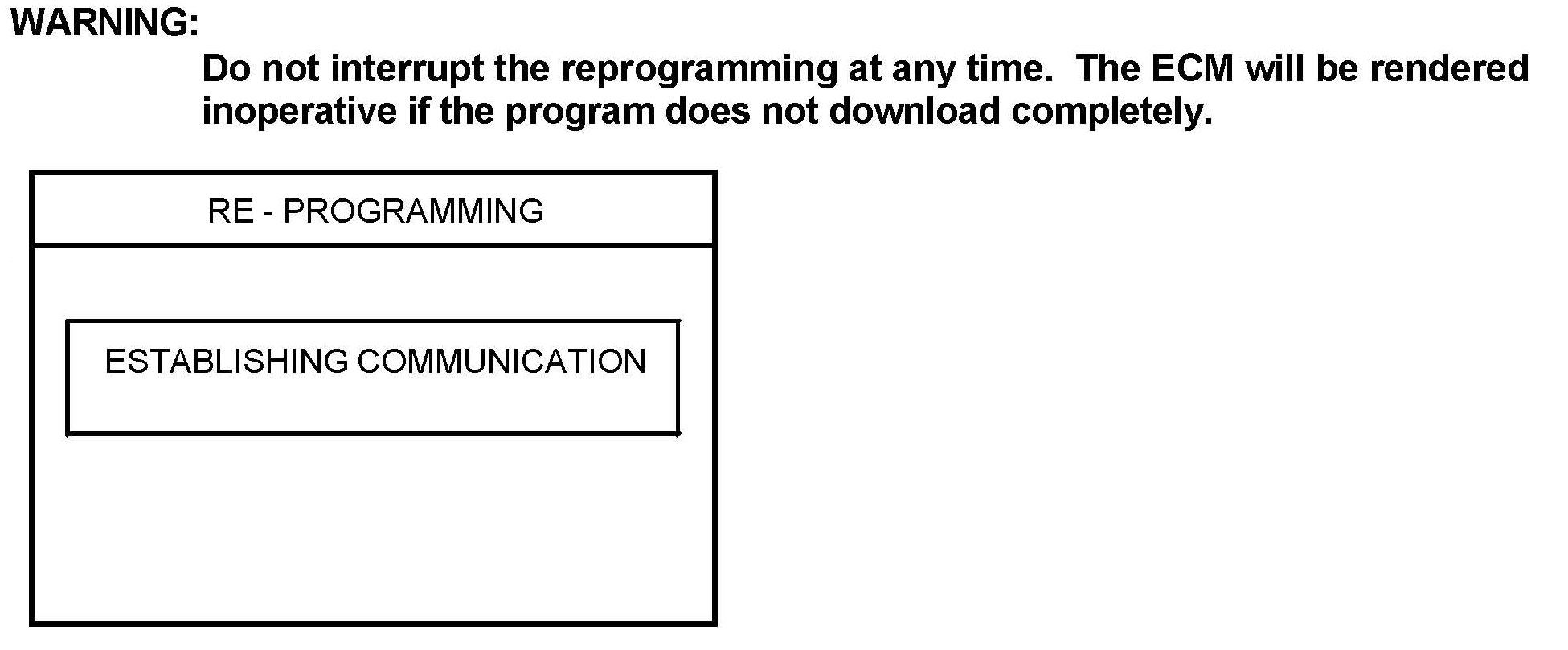
15. Hi-Scan Pro will establish communication.
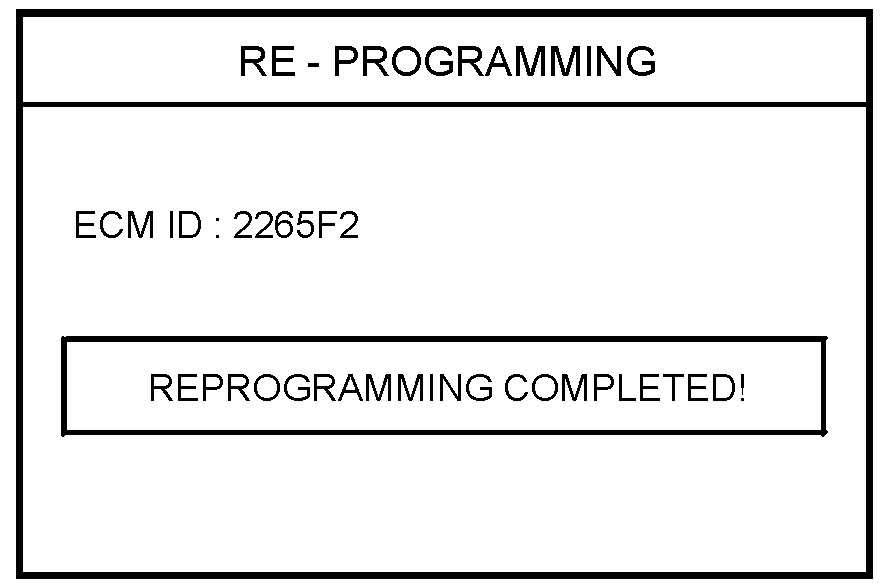
16. When the "REPROGRAMMING COMPLETED" message is displayed, the ECM reprogramming process is finished.
NOTES:
^ The new ECM ID is displayed when the new ECM software download process is finished.
^ Check that the correct ECM software has been downloaded by assuring that the new ECM ID displayed on the Hi-Scan Pro is 2265F2.
17. Turn the Hi-Scan Pro OFF and turn the ignition key to the OFF position for 20 seconds, then restart the engine and check for proper operation.
MANUAL UPDATE PROCEDURE:
1. Turn the ignition to the ON position.
2. Turn the Hi-Scan Pro ON and press ENTER.
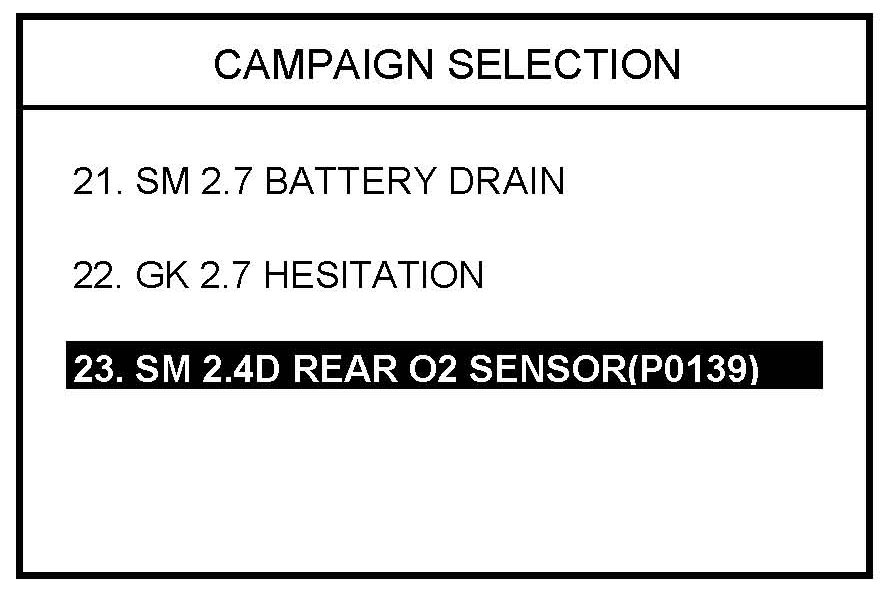
3. Select menu option "23. SM 2.4D REAR O2 SENSOR(P0139)" and press ENTER.
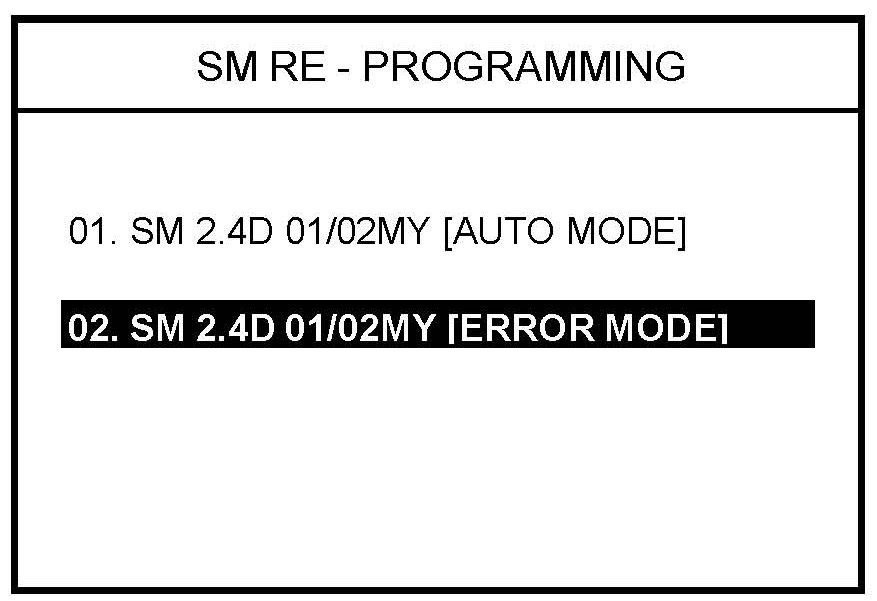
4. Select option "02. SM 2.4D 01/02MY [ERROR MODE]" and press ENTER.
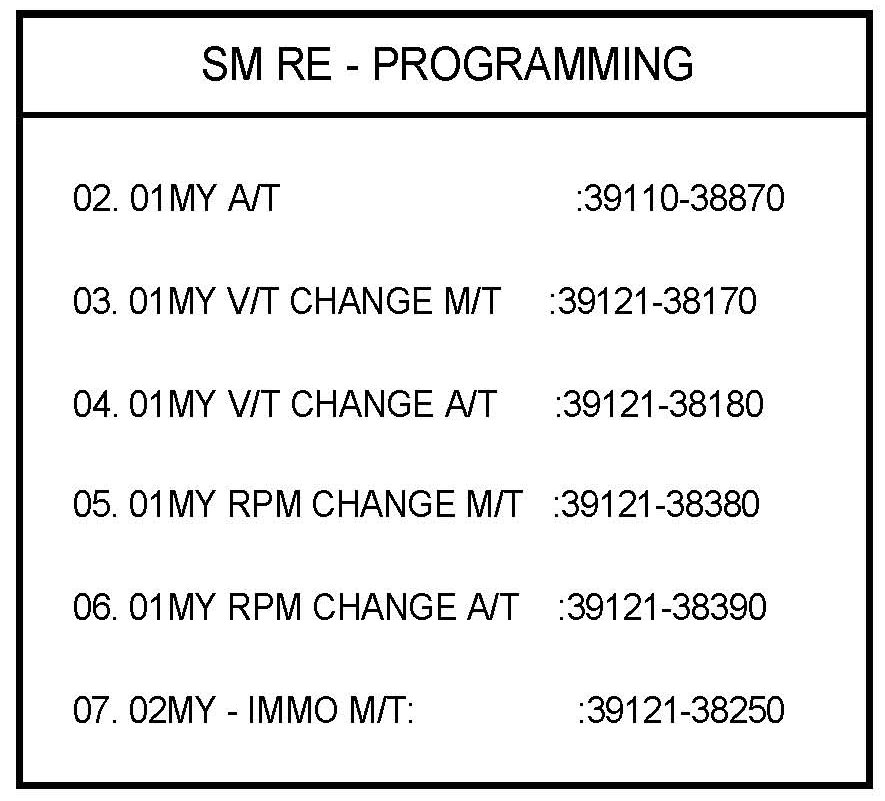
5. Choose option "07. 02MY - IMMO M/T: 39121-38250" and press ENTER.
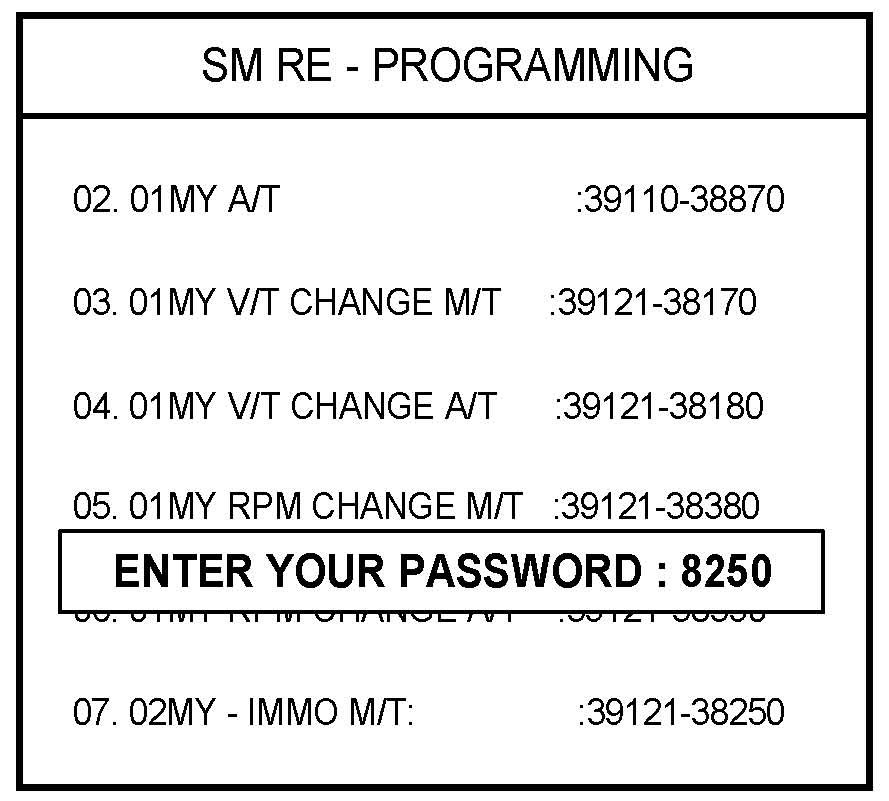
6. Enter password 8250 for manual ECM reprogramming and press ENTER.
NOTES:
Be sure to enter the correct password, otherwise, the correct ECM program will not be downloaded.
After entering the correct password, the rest of the procedure is exactly the same as the automatic update procedure.
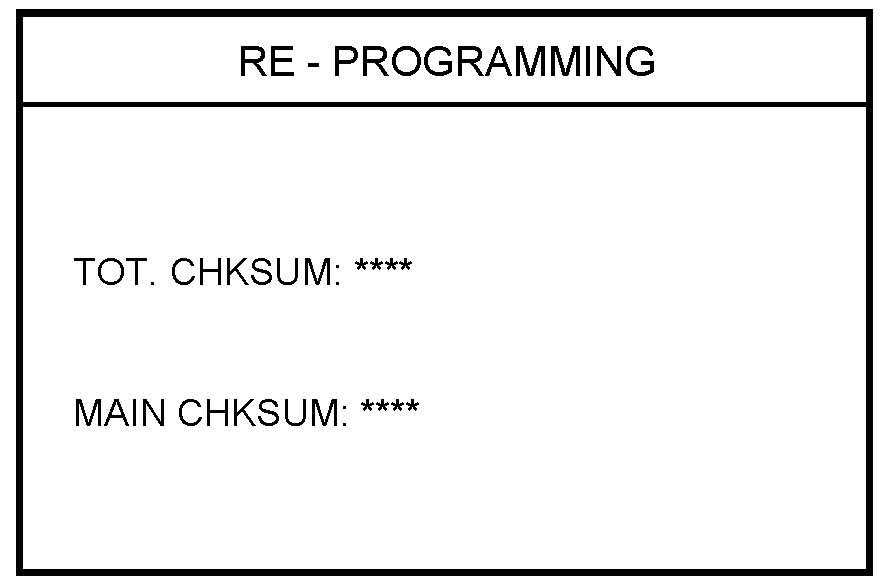
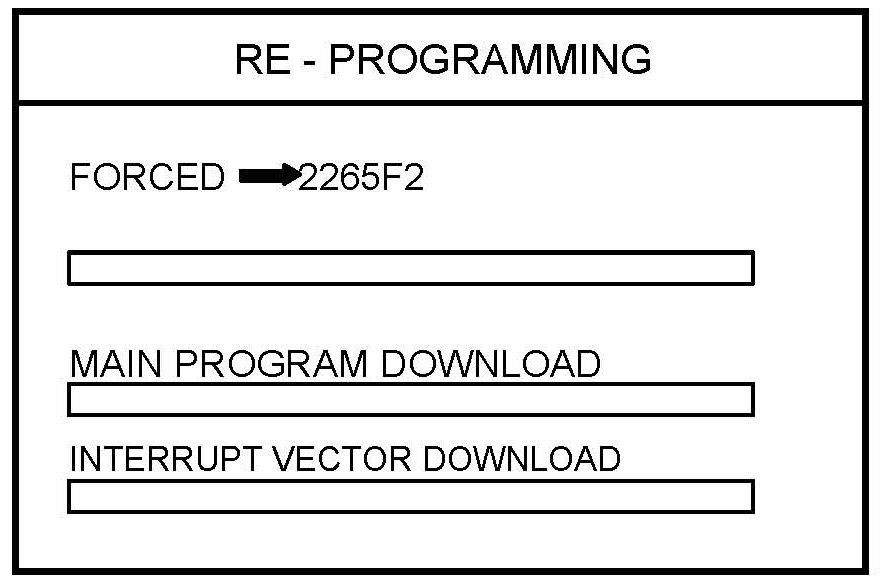
7. Hi-Scan Pro will reprogram the ECM. Wait until the reprogramming is completed.
WARNING:
Do not interrupt the reprogramming at any time. The ECM will be rendered inoperative if the program does not download completely.
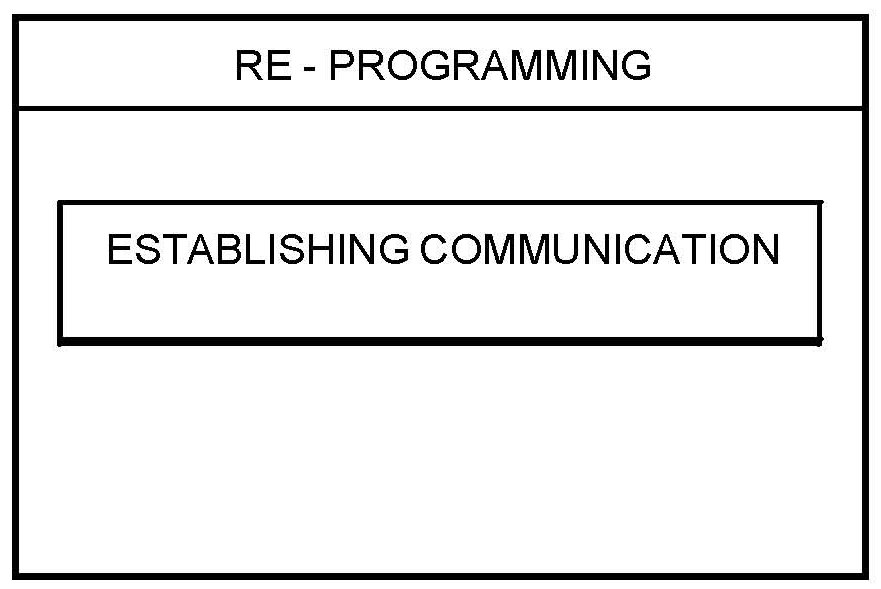
8. Hi-Scan Pro will establish communication.
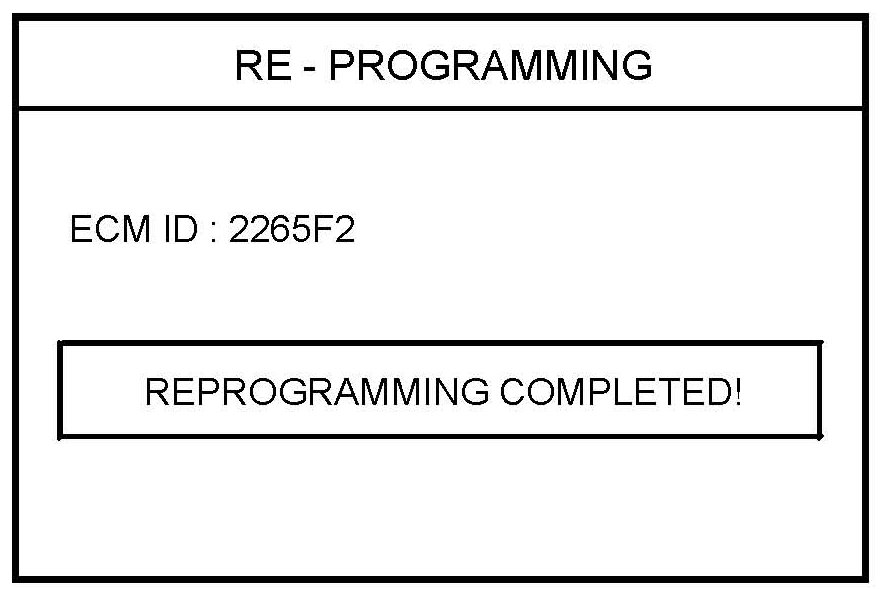
9. When the "REPROGRAMMING COMPLETED" message is displayed, the ECM reprogramming process is finished.
NOTES:
^ The new ECM ID is displayed on the Hi- Scan Pro screen when the download process is completed.
^ Check the new ECM ID to verify that the correct ECM software was downloaded. The new ECM ID should be 2265F2.
10. Turn the Hi-Scan Pro OFF and turn the ignition to the OFF position for 20 seconds, then restart the engine and check for proper operation.
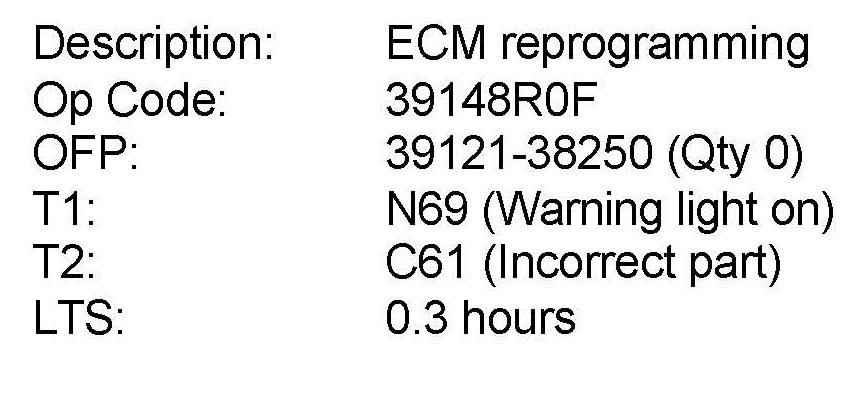
WARRANTY INFORMATION: