LEMON Manuals: Even more car manuals for everyone: 1960-2025
Home >> Infiniti >> 2011 >> FX35 AWD >> Repair and Diagnosis (Single Page) >> Accessories & Equipment >> Entertainment Systems >> Audio, Visual & Navigation System (With Navigation - Single Monitor) -- FX35/FX50 >> System Description >> Diagnosis System (Av Control Unit) >> On Board Diagnosis Function >> Self-Diagnosis Mode >> Notes
April 5, 2026: LEMON Manuals is launched! Read the announcement.

Self-Diagnosis Mode: Notes

  1. Start the self-diagnosis function and select "Self Diagnosis".
    • Self-diagnosis subdivision screen is displayed, and the self-diagnosis mode starts.
    • The bar graph visible on the center of the self-diagnosis subdivision screen indicates progress of the trouble diagnosis.
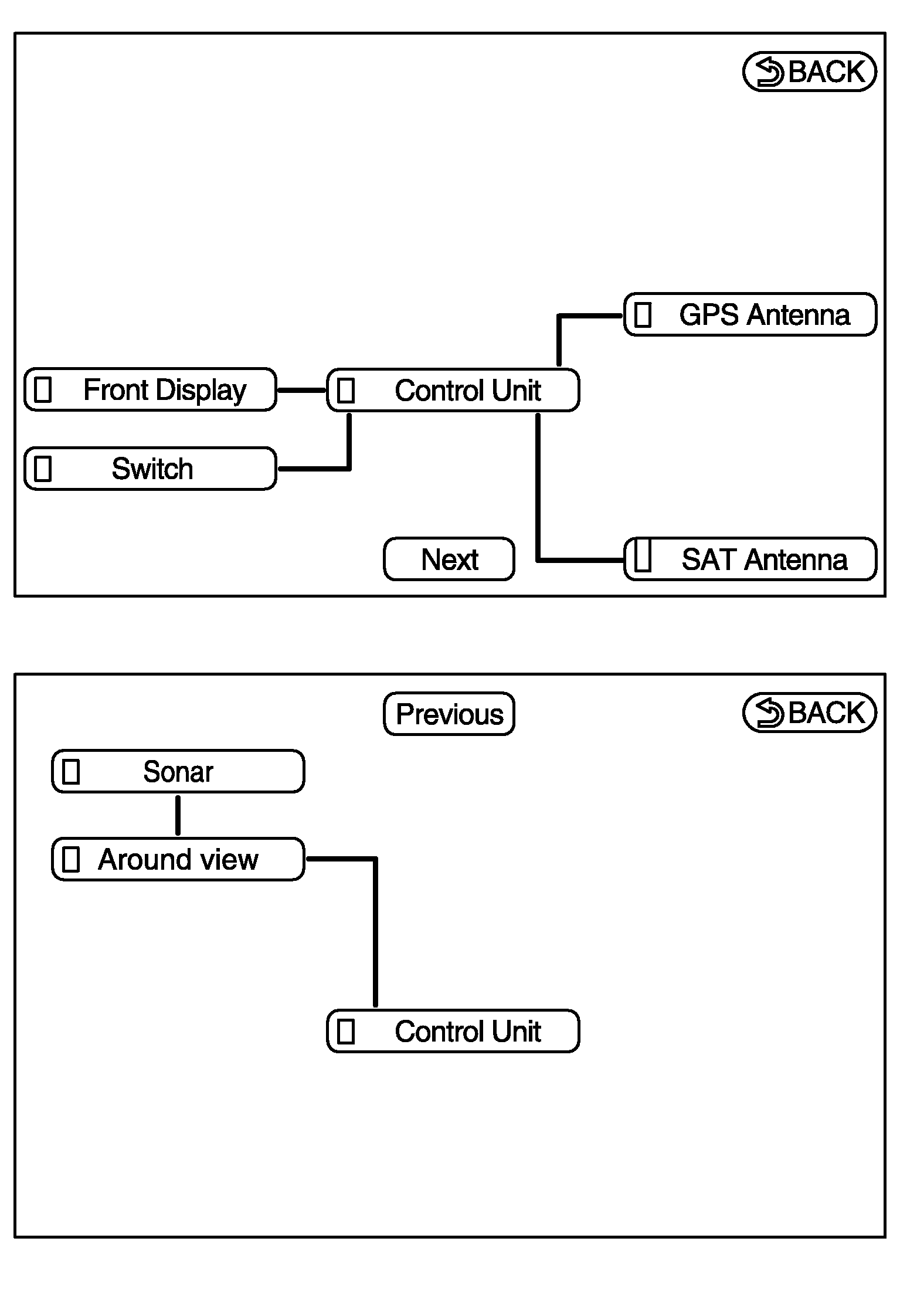
  2. Diagnosis results are displayed after the self-diagnosis is completed. The unit names and the connection lines are color-coded according to the diagnostic results.
    DIAGNOSIS RESULTS

    Diagnosis results Unit Connection line
    Normal Green Green
    Connection malfunction Gray Yellow
    Unit malfunction(1) Red Green
    (1) Control unit (AV control unit) is displayed in red.
    • Replace AV control unit if "Self-Diagnosis did not run because of a control unit malfunction" is indicated. The symptom is AV control unit internal error. Refer to "EXPLODED VIEW ".
    • If multiple errors occur at the same time for a single unit, the screen switch colors are determined according to the following order of priority: red > gray.
    Fig 1: Display Diagnosis Results
    G07167828Courtesy of NISSAN MOTOR CO., U.S.A.
    • The comments of the self-diagnosis results can be viewed with a component in the diagnosis result screen.
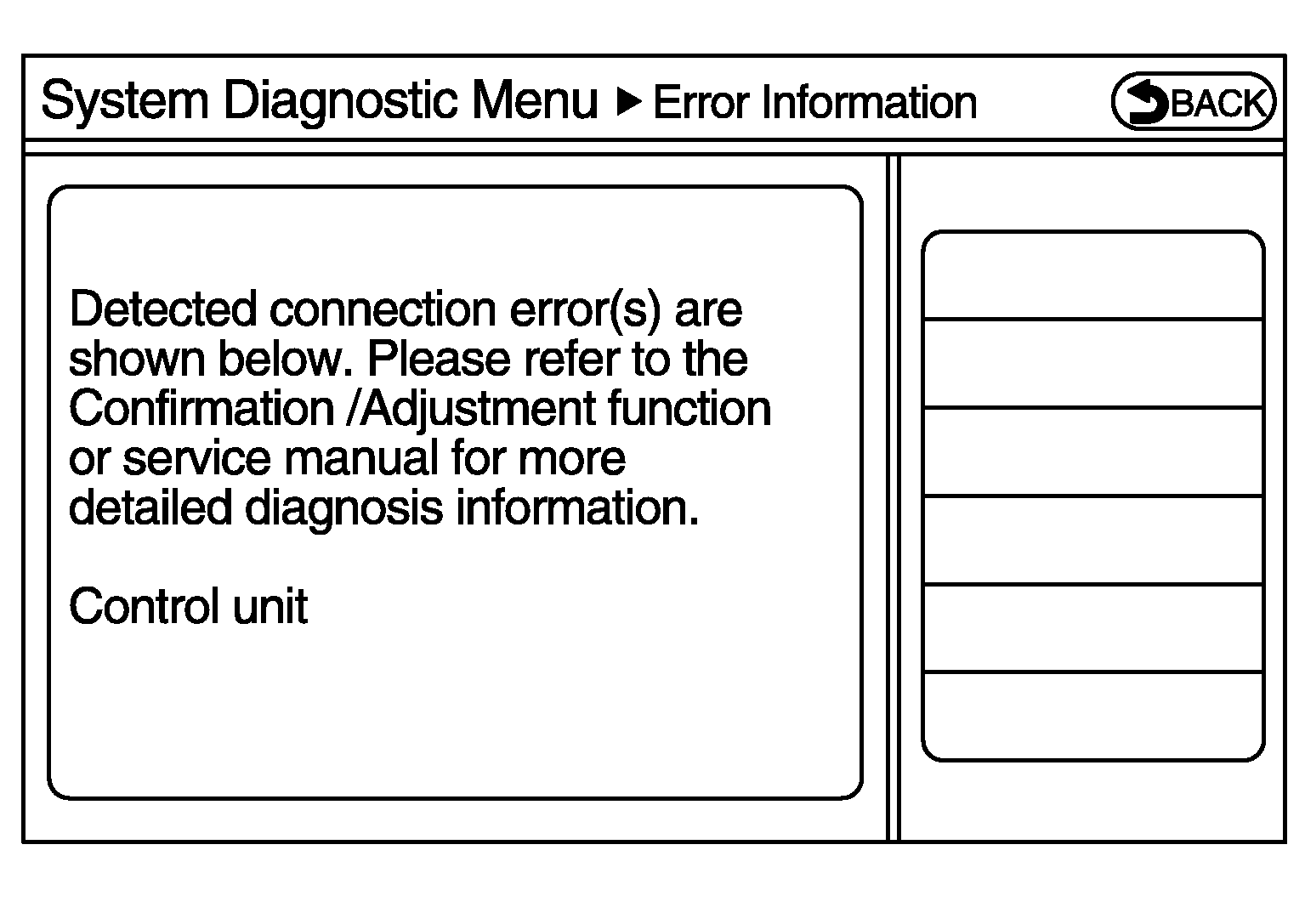
      Fig 2: Display Comments Of Self-Diagnosis Results
      G06573580Courtesy of NISSAN MOTOR CO., U.S.A.