Self-Diagnosis Mode: Notes
- Start the self-diagnosis function and select "Self Diagnosis".
- Self-diagnosis subdivision screen is displayed, and the self-diagnosis mode starts.
- The bar graph visible on the center of the self-diagnosis subdivision screen indicates progress of the trouble diagnosis.
- Diagnosis results are displayed after the self-diagnosis is completed. The unit names and the connection lines are color-coded according to the diagnostic results.
| Diagnosis results |
Unit |
Connection line |
| Normal |
Green |
Green |
| Connection malfunction |
Gray |
Yellow |
| Unit malfunction Note |
Red |
Green |
NOTE:
Control unit (AV control unit) is displayed in red.
- Replace AV control unit if "Self-Diagnosis did not run because of a control unit malfunction" is indicated. The symptom is AV control unit internal error. Refer to
"EXPLODED VIEW ".
- If multiple errors occur at the same time for a single unit, the screen switch colors are determined according to the following order of priority: red > gray:
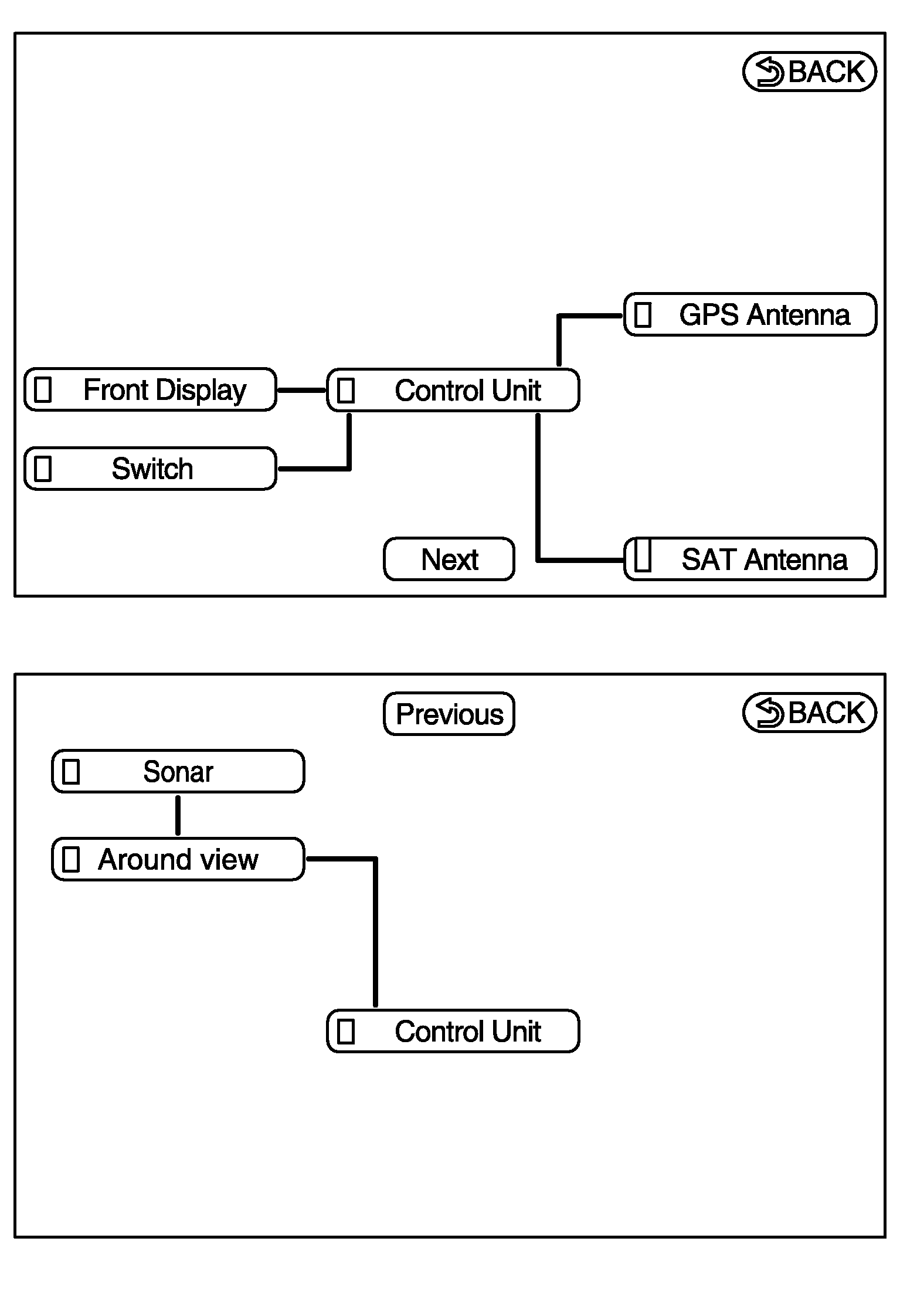 Courtesy of NISSAN NORTH AMERICA, INC.
- The comments of the self-diagnosis results can be viewed with a component in the diagnosis result screen.
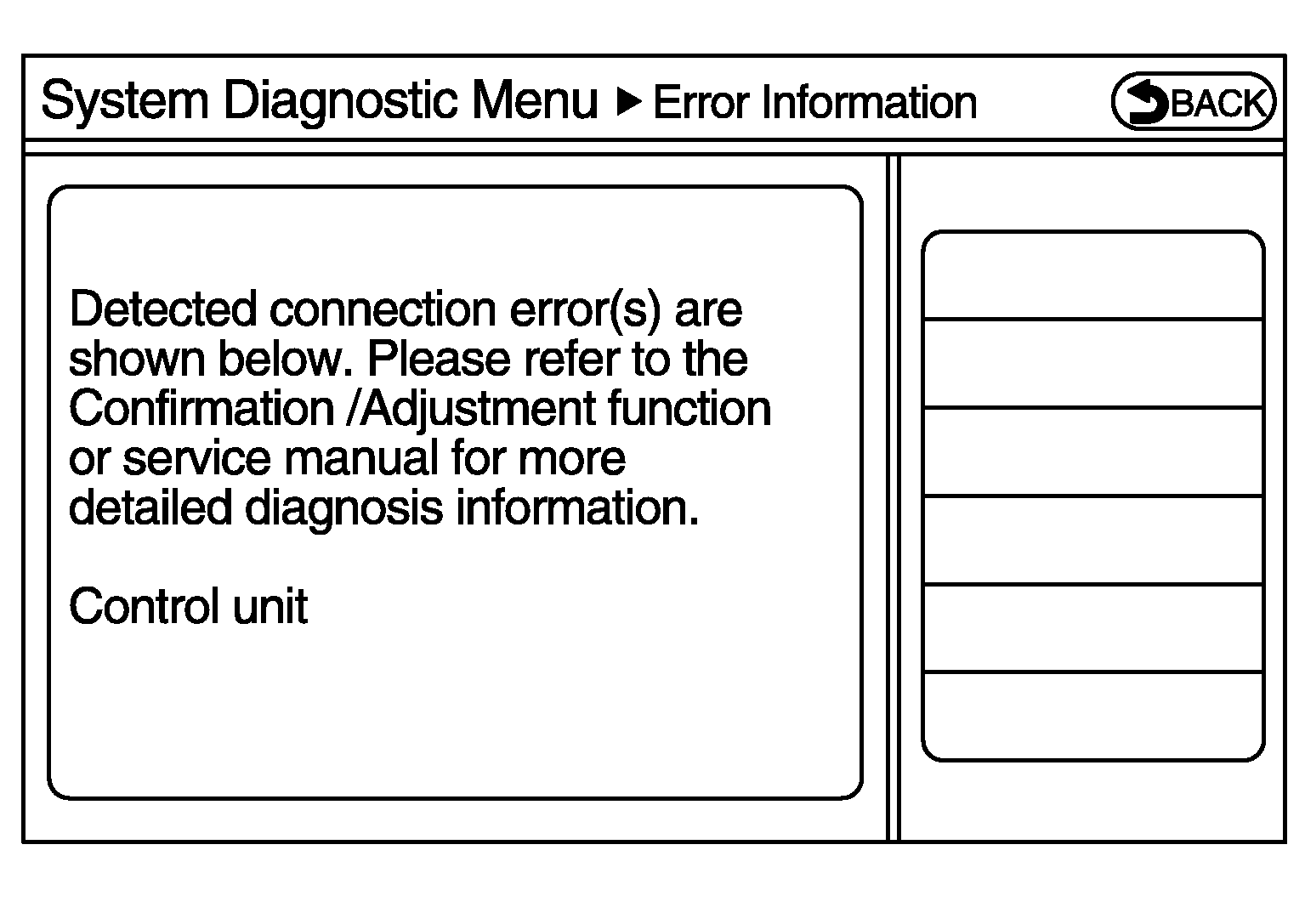 Courtesy of NISSAN NORTH AMERICA, INC.