Variant Coding Procedure
- On-Line Type On GDS
- With the ignition "OFF", connect GDS.
- Ignition "ON" & Engine "OFF" select vehicle name and airbag system.
- Select Variant coding mode.
- Follow steps on the screen as instructed.
- Initial ACU Variant Coding screen
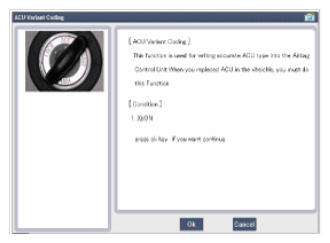 Courtesy of KIA MOTORS AMERICA, INC.
- VIN Code entering screen
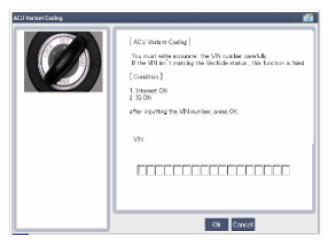 Courtesy of KIA MOTORS AMERICA, INC.
- Variant coding's proceeding screen-1
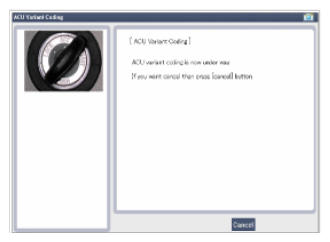 Courtesy of KIA MOTORS AMERICA, INC.
- Variant coding's proceeding screen-2
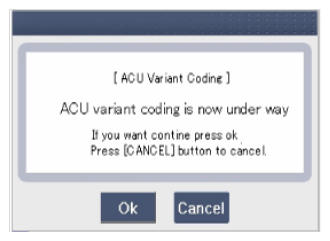 Courtesy of KIA MOTORS AMERICA, INC.
- Variant coding is completed
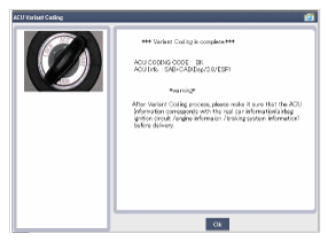 Courtesy of KIA MOTORS AMERICA, INC.
NOTE:
- This screen is opened when you try the variant coding again on the SRSCM that already has the variant coding performed.
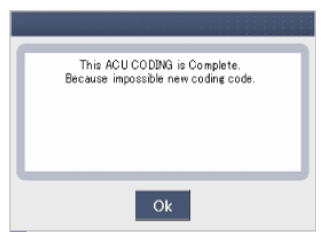 Courtesy of KIA MOTORS AMERICA, INC.
- If communication fails, the following screen will appear.
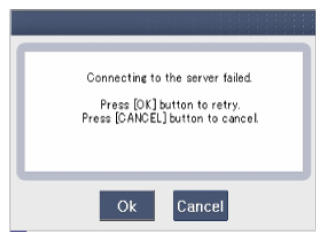 Courtesy of KIA MOTORS AMERICA, INC.
- Off-Line Type On GDS (This Can Be Used When Not Connecting To Internet)
- Initial ACU Variant Coding screen
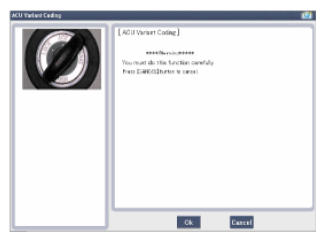 Courtesy of KIA MOTORS AMERICA, INC.
- ACU Coding Code entering screen
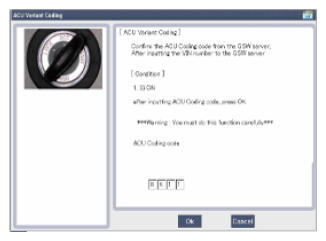 Courtesy of KIA MOTORS AMERICA, INC.
- Screen of rechecking ACU Coding code's entering
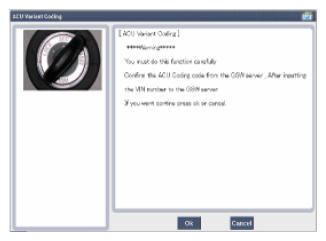 Courtesy of KIA MOTORS AMERICA, INC.
- Variant coding's proceeding screen-1
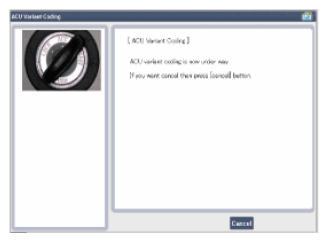 Courtesy of KIA MOTORS AMERICA, INC.
- Variant coding's proceeding screen-2
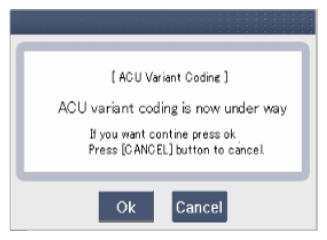 Courtesy of KIA MOTORS AMERICA, INC.
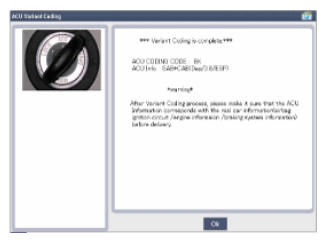
- Variant coding is completed
 Courtesy of KIA MOTORS AMERICA, INC.
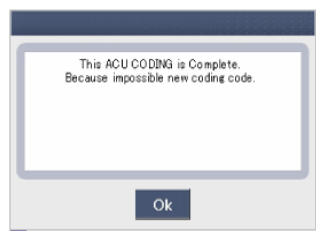
NOTE:
- This screen is opened when you try the variant coding again on the SRSCM that already has the variant coding performed.
 Courtesy of KIA MOTORS AMERICA, INC.