September 30: LEMON manuals is back up on a temporary server! Slowness is possible
Smart Key Code Saving
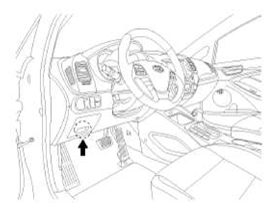
- Connect the DLC cable of GDS to the data link connector in driver side crash pad lower panel, turn the power on GDS.
 Courtesy of KIA MOTORS AMERICA, INC.
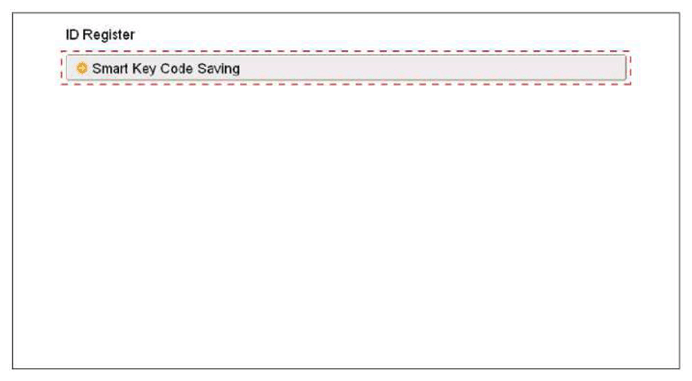
- Select the vehicle model and then do "Smart key code saving".
 Courtesy of KIA MOTORS AMERICA, INC.
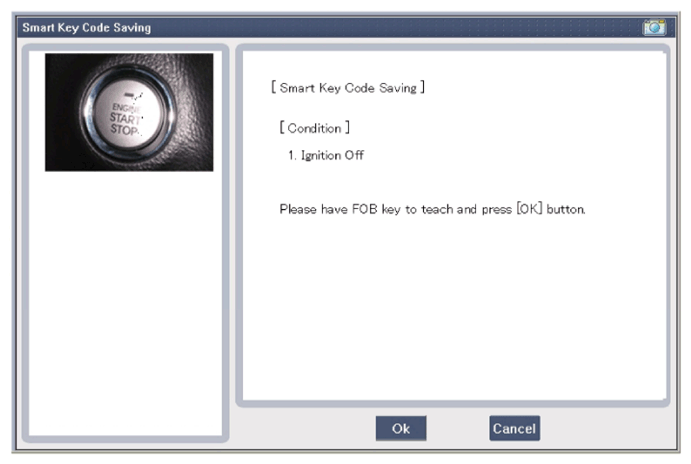
- After selecting "Smart key teaching" menu, push "Enter" key, then the screen will be shown as illustrated below.
 Courtesy of KIA MOTORS AMERICA, INC.
- After pushing the SSB with the teaching key, press "OK" button.
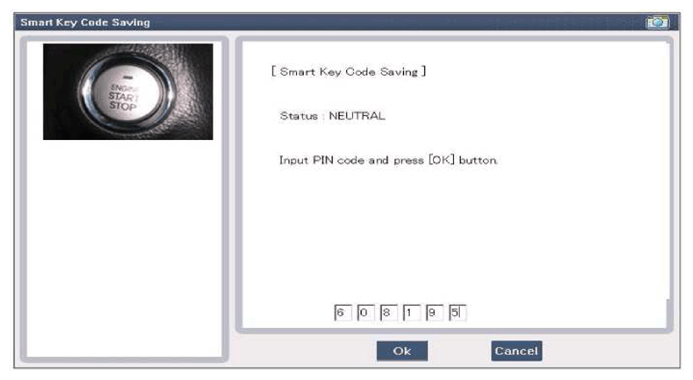
- Input the "Pin code" for first key teaching.
 Courtesy of KIA MOTORS AMERICA, INC.
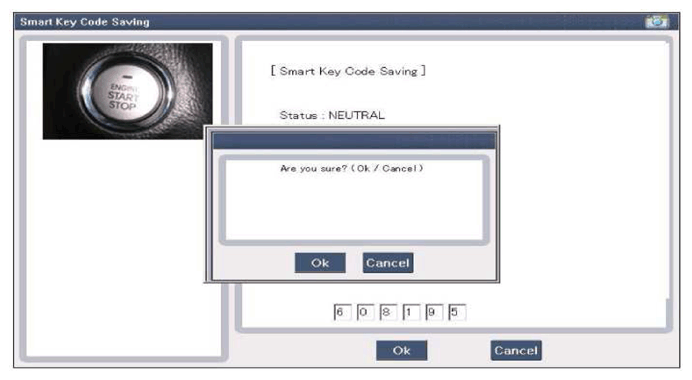 Courtesy of KIA MOTORS AMERICA, INC.
- Confirm the message "First key teaching completed".
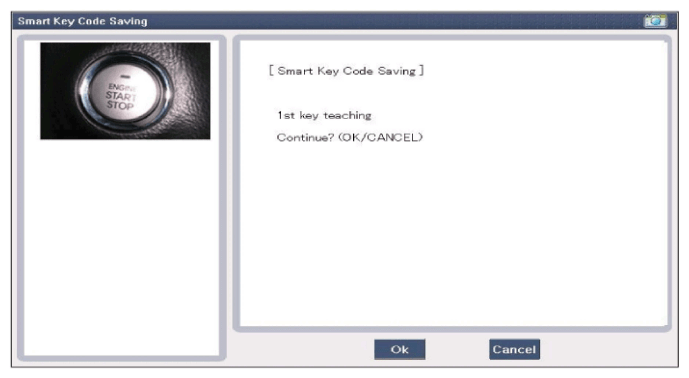 Courtesy of KIA MOTORS AMERICA, INC.
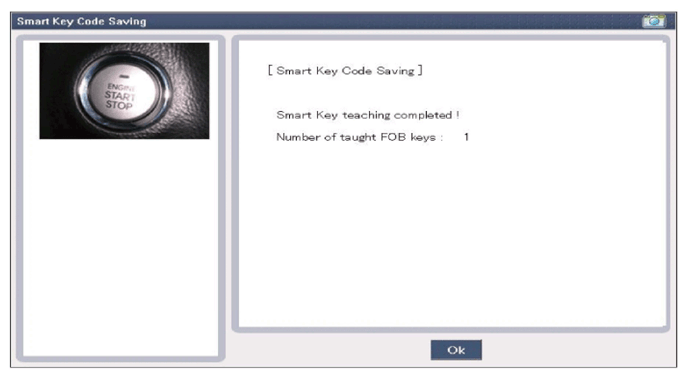 Courtesy of KIA MOTORS AMERICA, INC.
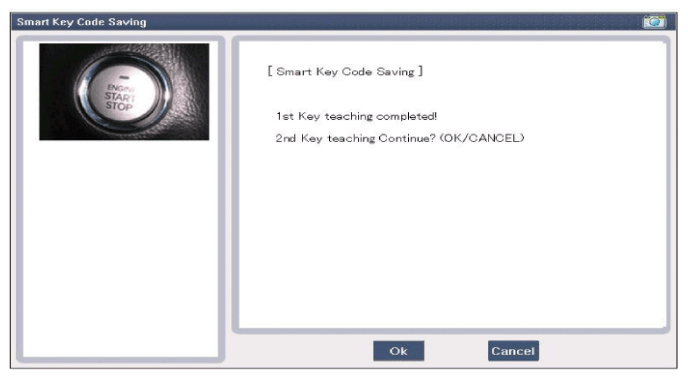 Courtesy of KIA MOTORS AMERICA, INC.
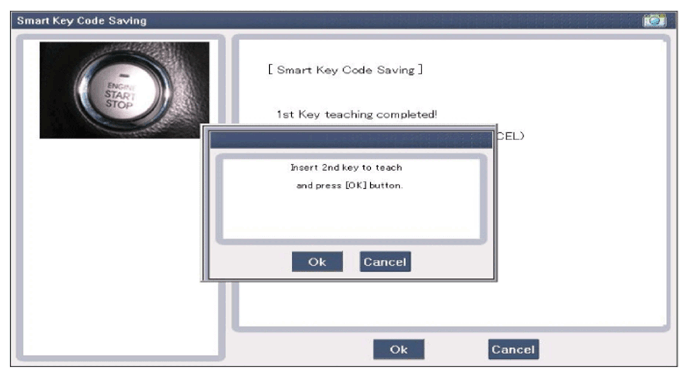 Courtesy of KIA MOTORS AMERICA, INC.
- Confirm the message "Second key teaching completed".
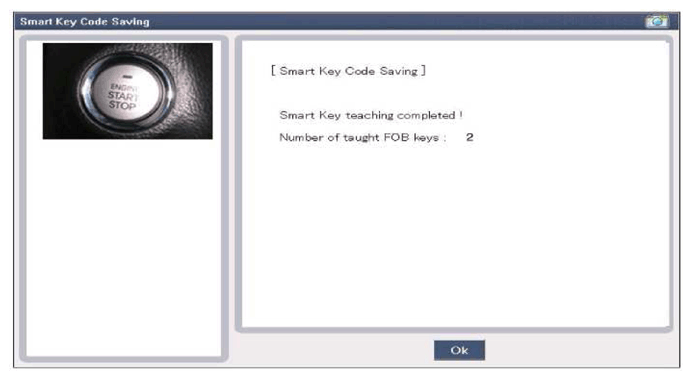 Courtesy of KIA MOTORS AMERICA, INC.
- Then the screen will be shown as illustrated below when key teaching process is completed.