September 30: LEMON manuals is back up on a temporary server! Slowness is possible
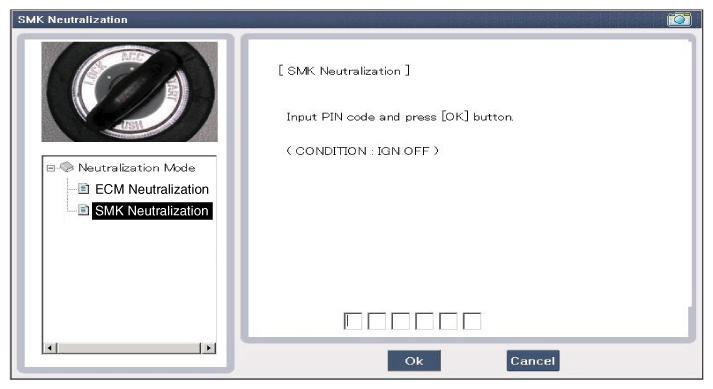
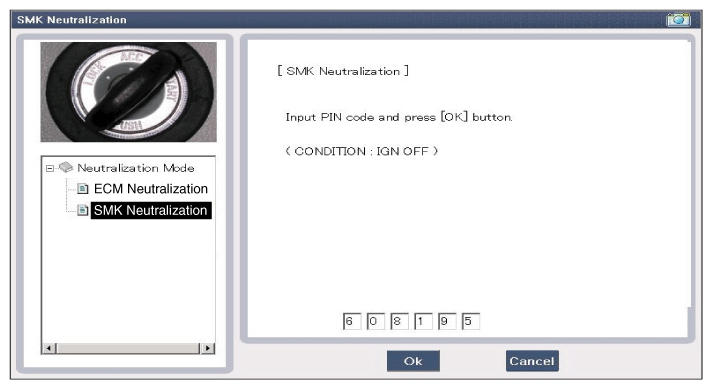
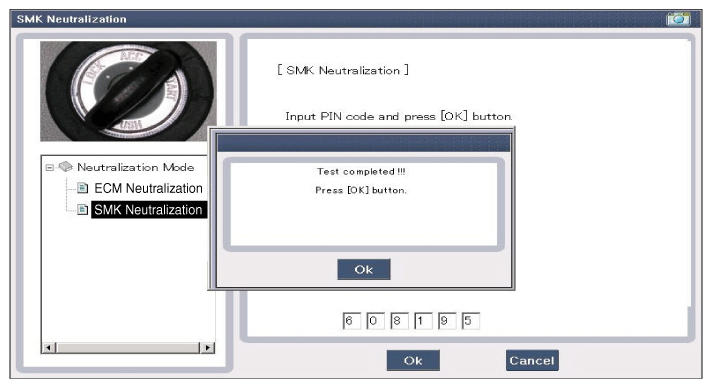
Neutralization Status Check
- Connect the cable of GDS to the data link connector in driver side crash pad lower panel.
- After IGN ON, select the "Neutralization mode".
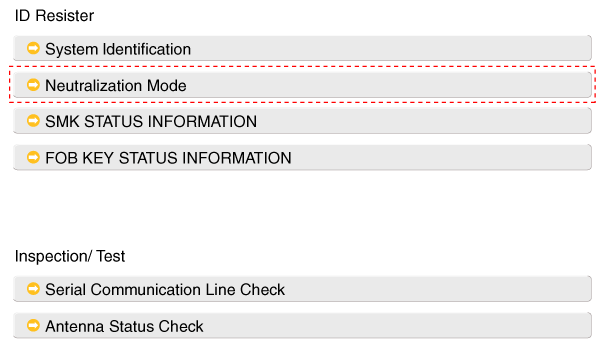 Courtesy of KIA MOTORS AMERICA, INC.
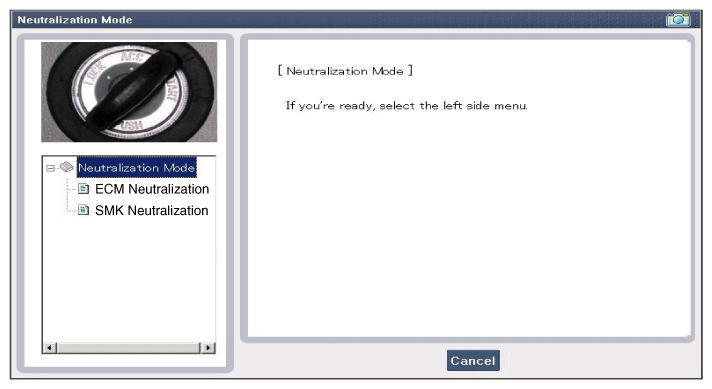 Courtesy of KIA MOTORS AMERICA, INC.
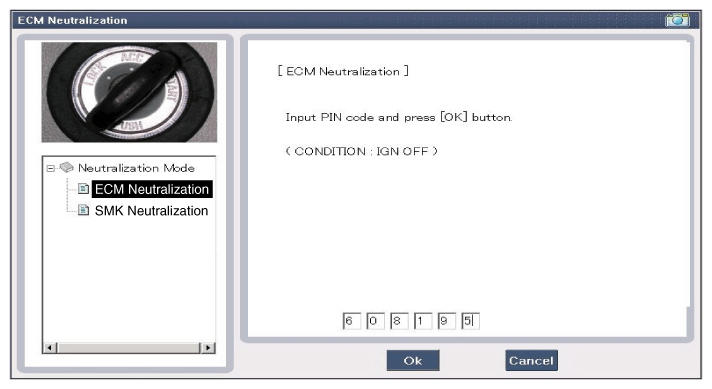 Courtesy of KIA MOTORS AMERICA, INC.
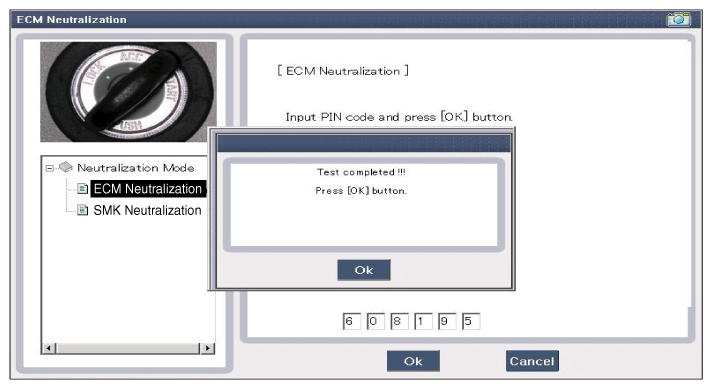 Courtesy of KIA MOTORS AMERICA, INC.
 Courtesy of KIA MOTORS AMERICA, INC.
 Courtesy of KIA MOTORS AMERICA, INC.
 Courtesy of KIA MOTORS AMERICA, INC.