Body - Back Window Initialization Procedure
PRE-DELIVERY SERVICEPD082-06
Title:
INITIALIZATION OF BACK DOOR
POWER WINDOW DURING PDS
Models:
'07 4Runner
August 15, 2006
Introduction
This bulletin outlines the initialization procedure for the back door power window on the 4Runner.
To minimize the battery discharge during transportation and storage, the Short Pin has been removed at the assembly plant, resulting in the following feature being inoperative:
One-touch open and close with jam protection.
Use the following initialization procedure after installing the Short Pin during Pre-Delivery Service (PDS) and whenever the battery has been disconnected.
NOTE:
Any time the battery terminal has been disconnected, the back door power window MUST be re-initialized.
Applicable Vehicles
^ 2007 model year 4Runner vehicles.

Warranty Information
Initialization Procedure
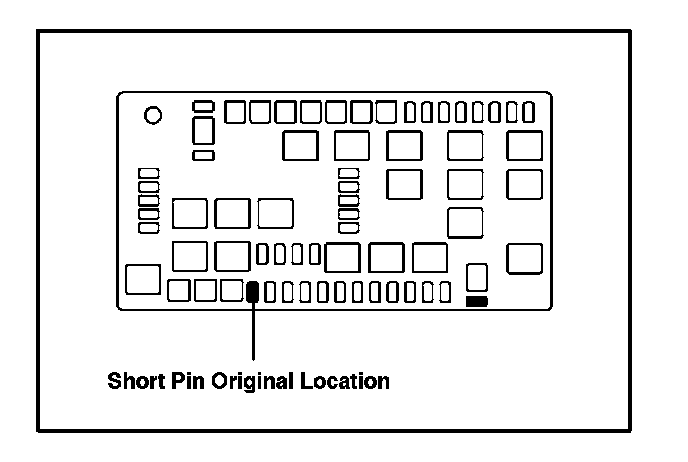
Make sure the Short Pin is installed in its original location. (Refer to TSB No. PD081-06, "Short Pin Installation During PDS.")
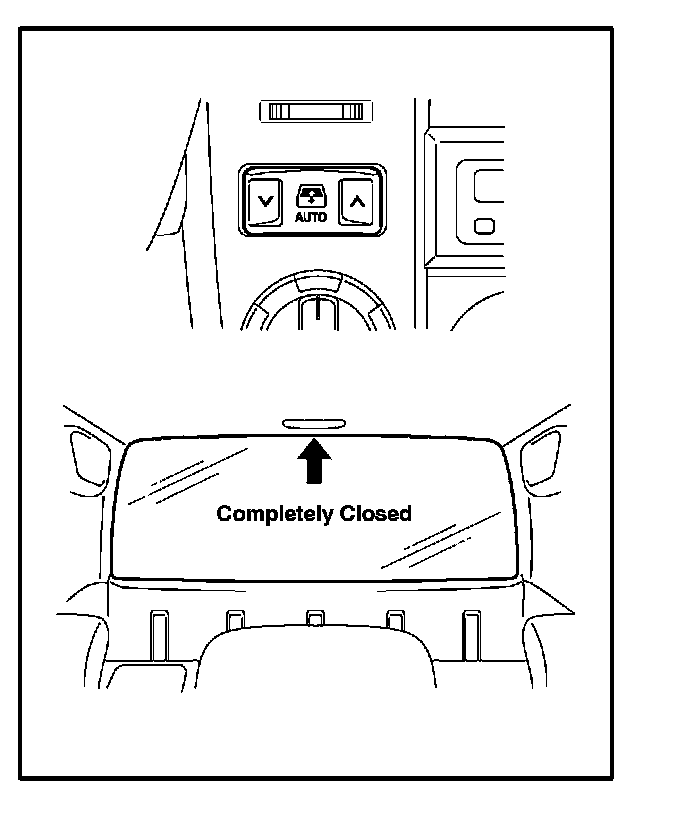
1. Turn ignition switch to the "ON" position.
2. Push the back door power window switch to the "DOWN" side to open the window.
3. Push and hold the back door power window switch to the "UP" side until the window closes. Continue holding it for approximately 1 second.
4. Check for proper operation of the "one-touch open/close" functions by pushing the switch briefly to the "DOWN" and "UP" positions.
NOTE:
Jam protection function becomes effective through the above initialization procedure.