Erase DTC Memory (Scan Tool Function 05)
Erase DTC memory (scan tool function 05)
Condition:
^ DTC memory was checked.
After DTC memory was checked:

Indicated on display:
^ Press buttons 0 and 5. (With 05 function "Erase DTC memory" is selected.)

Indicated on display:
^ Confirm input by pressing Q button.

Indicated on display:
Note: If between checking the DTC memory and erasing the DTC memory the ignition was switched off, the DTC memory is not going to be erased.
^ Be sure to follow the program sequence, meaning: first check the DTC memory, then erase it.
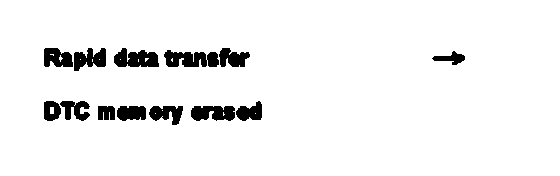
Indicated on display:
(After this display, the DTC memory is erased after about 5 seconds)
With that the DTC memory has been erased
Note: Wait for about 1 minute before checking the DTC memory again.

Indicated on display:
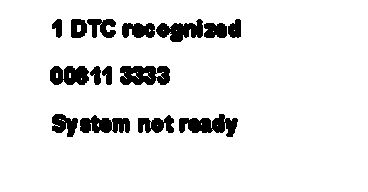
Print-out when printer is switched on:
Transmission Control Module (TCM) -J217 was not given enough time to recognize fault.
^ Wait for about 1 minute before checking the DTC memory again.
^ After checking and erasing the DTC memory, perform a road test and then check the DTC memory again.
When checking the DTC memory, the following display must appear:
"No DTC detected"