Generators & Regulators: Overhaul: Generator: Disassembly
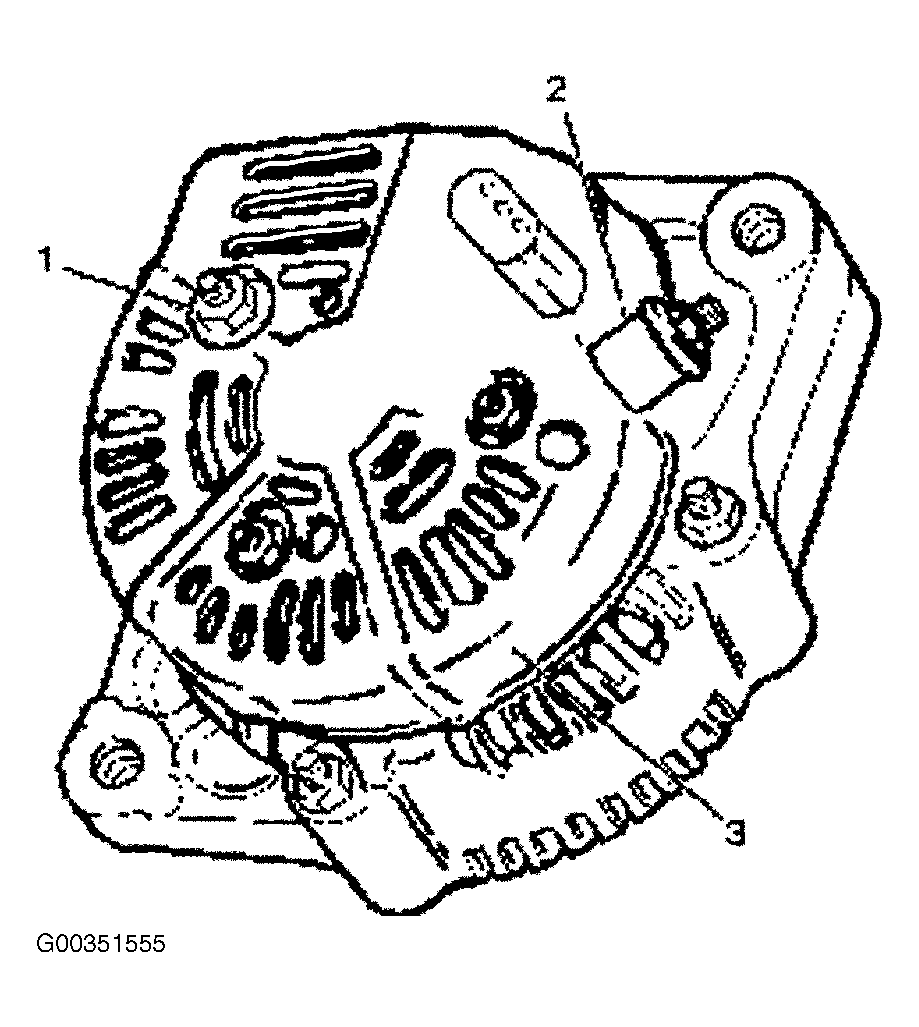
- Remove terminal insulator and nut (2).
- Remove three nuts (1) on the rear cover and a nut on terminal B and insulator, then remove the rear cover (3). See Fig 1
.
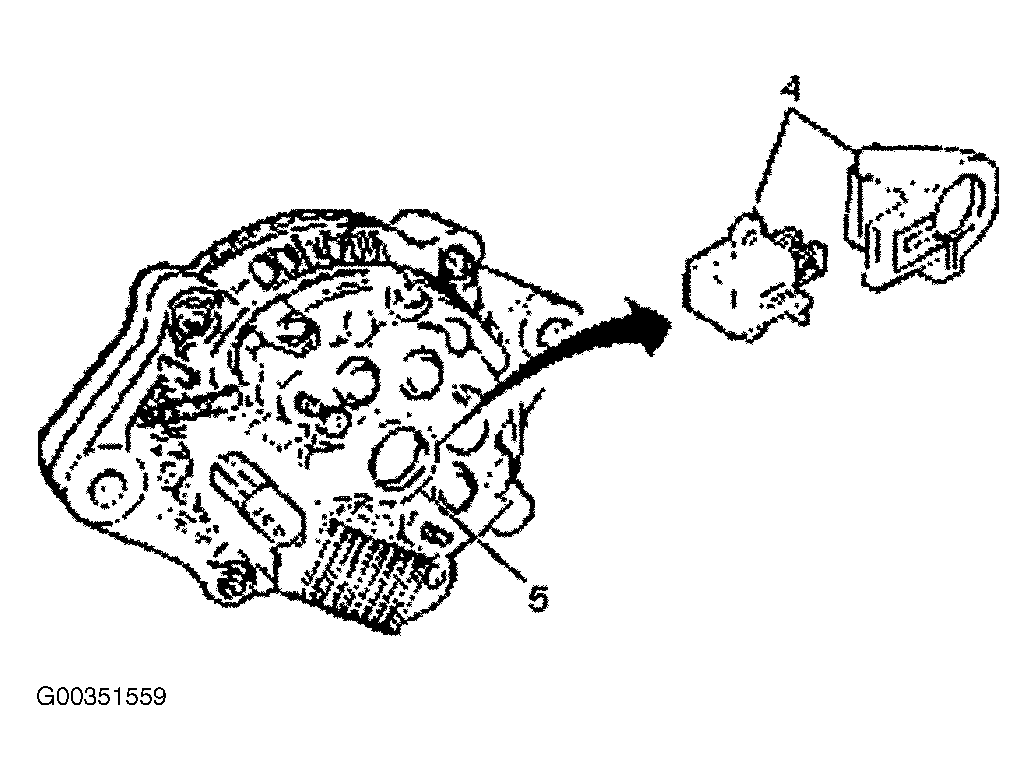
- Remove two screws that fix the brush holder (5) and rectifier, then remove the brush holder assembly (4). See Fig 2
.
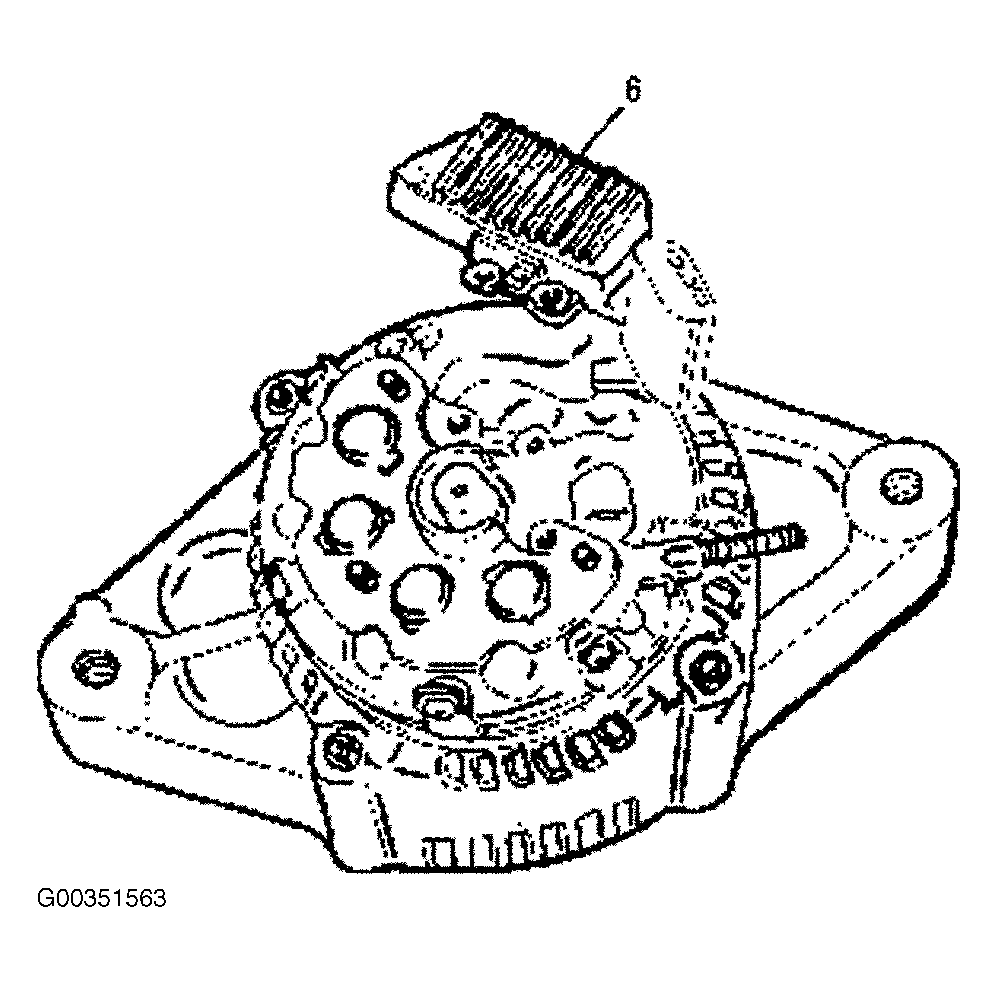
- Remove 3 screws on the IC regulator, then the IC regulator assembly (6). See Fig 3
.
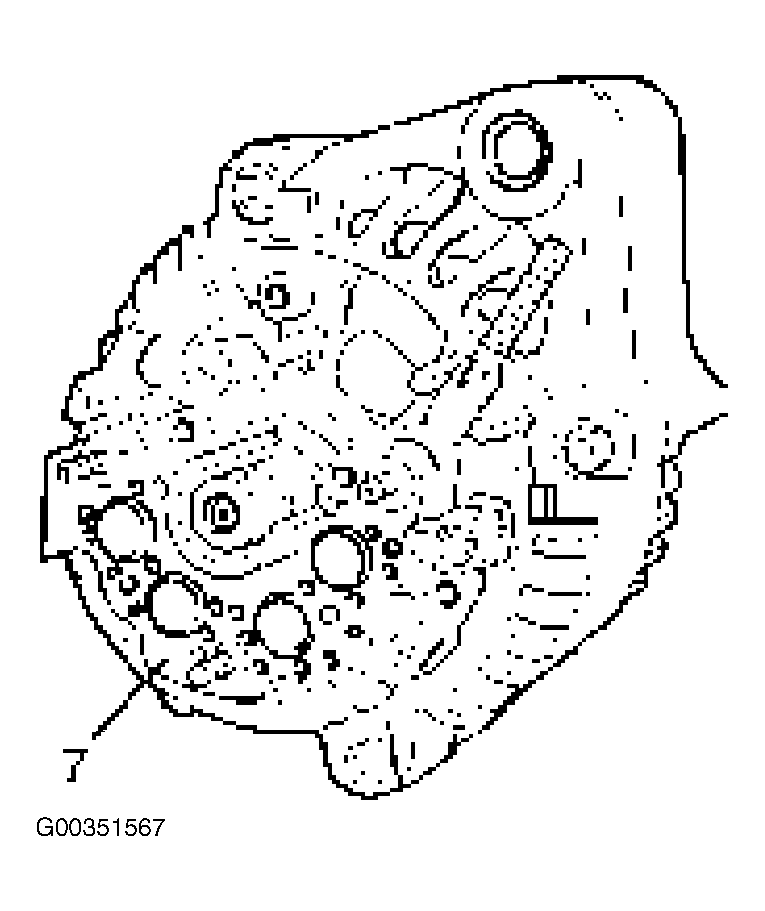
- Remove 4 screws that fix rectifier (7) and stator lead wires. See Fig 4
.
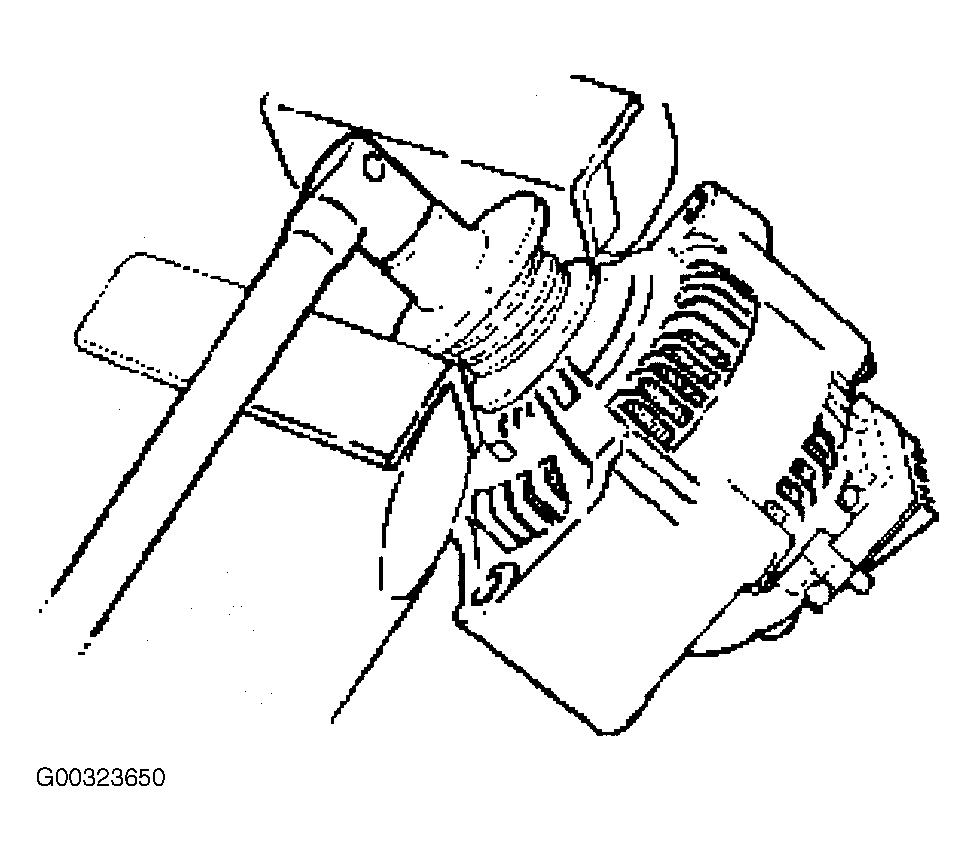
- Secure the pulley directly in the vise between two copper plates, and remove the nut and pulley. See Fig 5
.
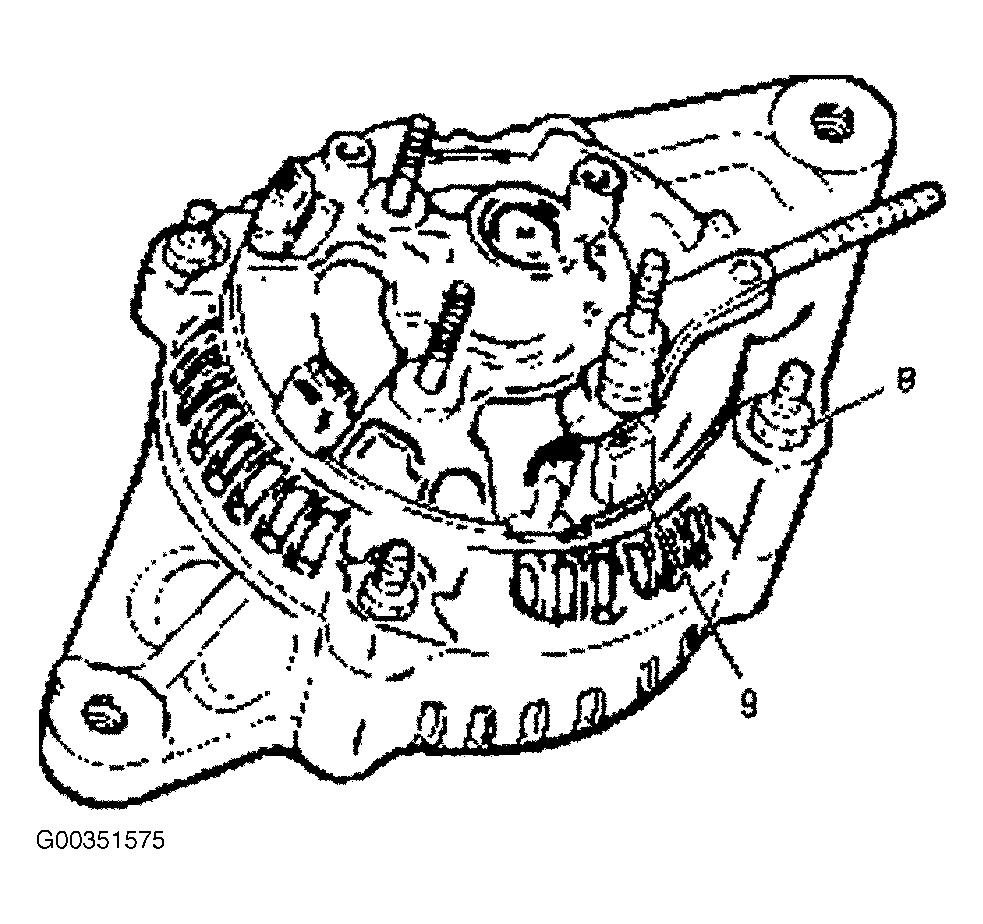
- Remove 4 nuts (8) that secure the front cover assembly and rear end cover, and an insulator (9). See Fig 6
.
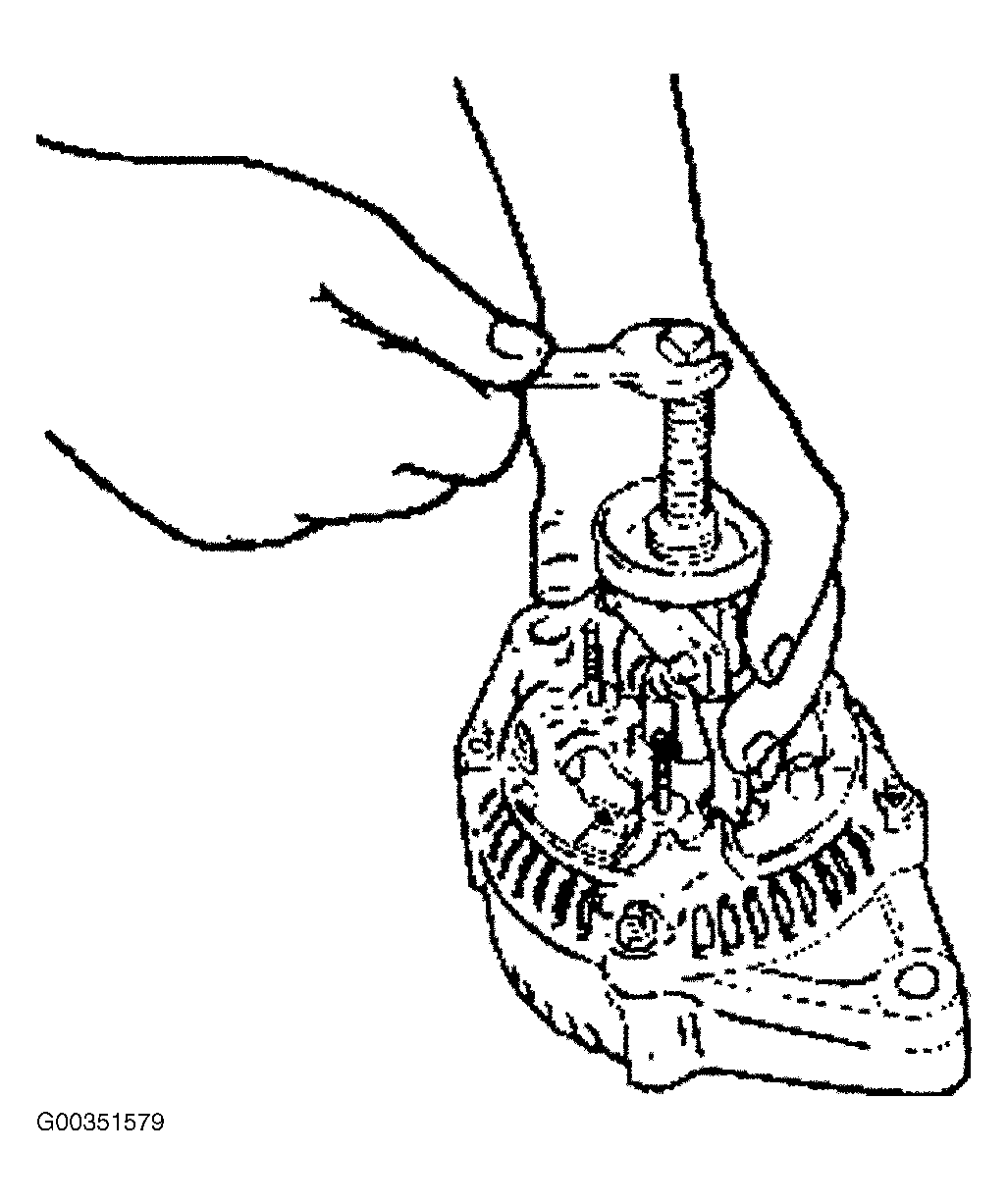
- Use the puller to remove the rear end cover.
- Rotor assembly. See Fig 7
.
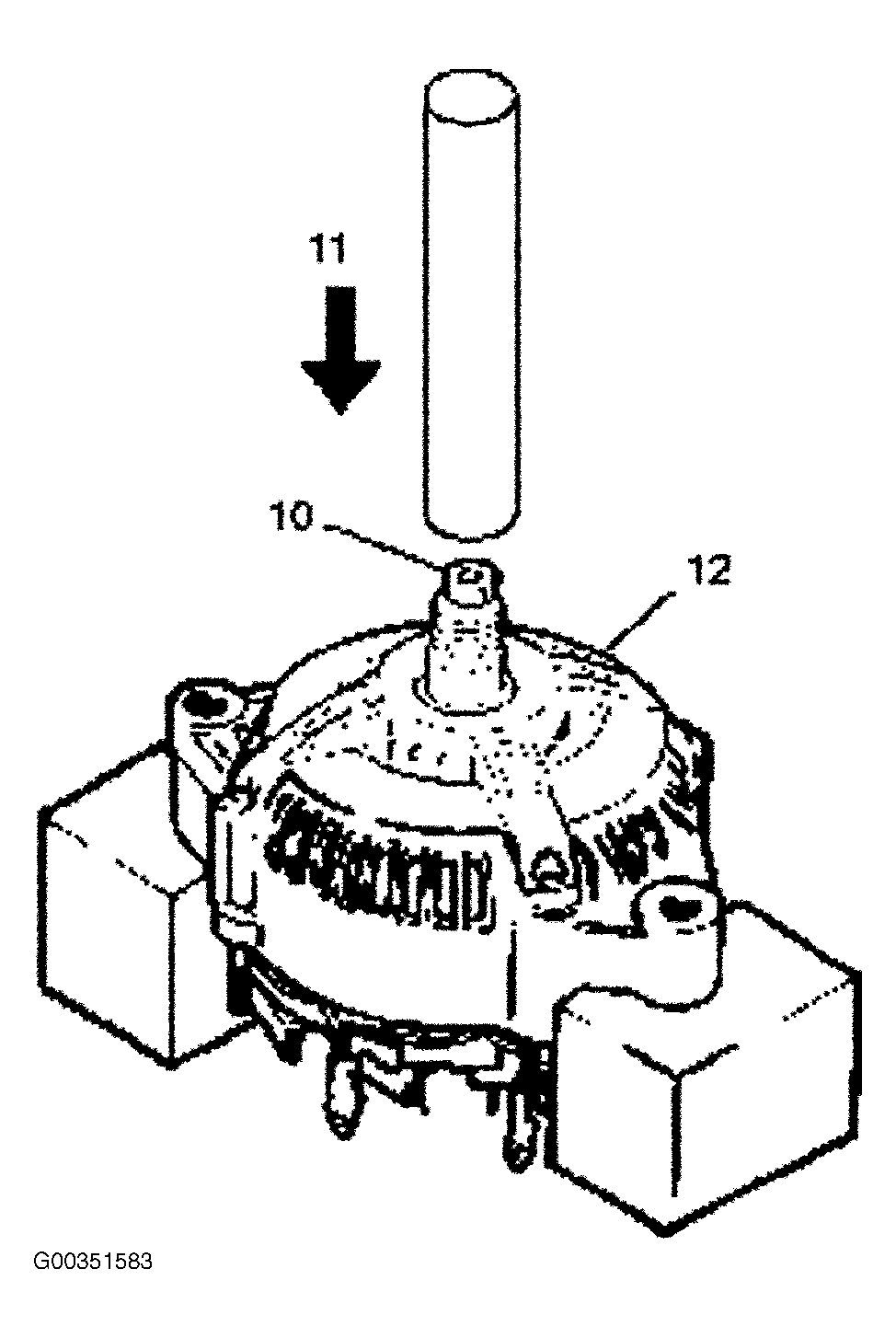
- Pull the rotor assembly (10) off the front cover assembly (12) using a bench press (11). See Fig 8
.
 Courtesy of ISUZU MOTOR CO.
 Courtesy of ISUZU MOTOR CO.
 Courtesy of ISUZU MOTOR CO.
 Courtesy of ISUZU MOTOR CO.
 Courtesy of ISUZU MOTOR CO.
 Courtesy of ISUZU MOTOR CO.
 Courtesy of ISUZU MOTOR CO.
 Courtesy of ISUZU MOTOR CO.