How to Connect SWS Monitor
HOW TO CONNECT SWS MONITORCAUTION: Always turn the ignition switch to the "LOCK" (OFF) position before connecting or disconnecting the SWS monitor kit and scan tool MB991958. Connect the DLC harness before connecting the column-ECU harness. Be sure to connect SWS monitor kit MB991813 after turning on the scan tool MB991958.
1. Remove the steering column cover.
2. Remove the steering column switch connector.
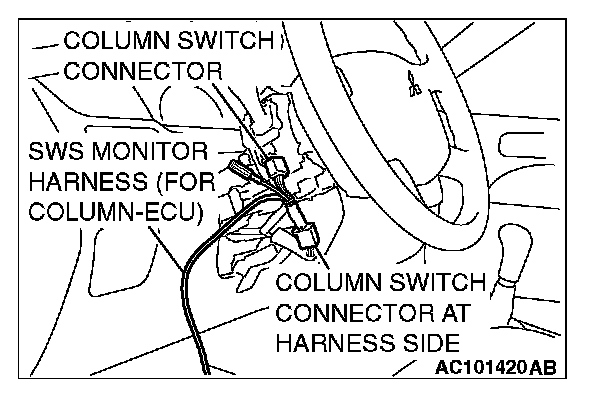
3. Connect the SWS monitor harness (for column-ECU).